MOTRA · mobile app walkthrough

A step-by-step visual tour of every client-facing screen — from first launch, through the customer's quote-and-purchase journey, saved data, and the supplier's daily flow. Every screen shown in both light and dark themes at 390×900 @2x.

34 screens · refreshed 2026-09-01 · live-count + garage + recent-orders wired
1

Auth & Onboarding

First launch, sign-in, account creation via OTP, and the supplier apply flow. Every entry handles Arabic RTL and English LTR.

01

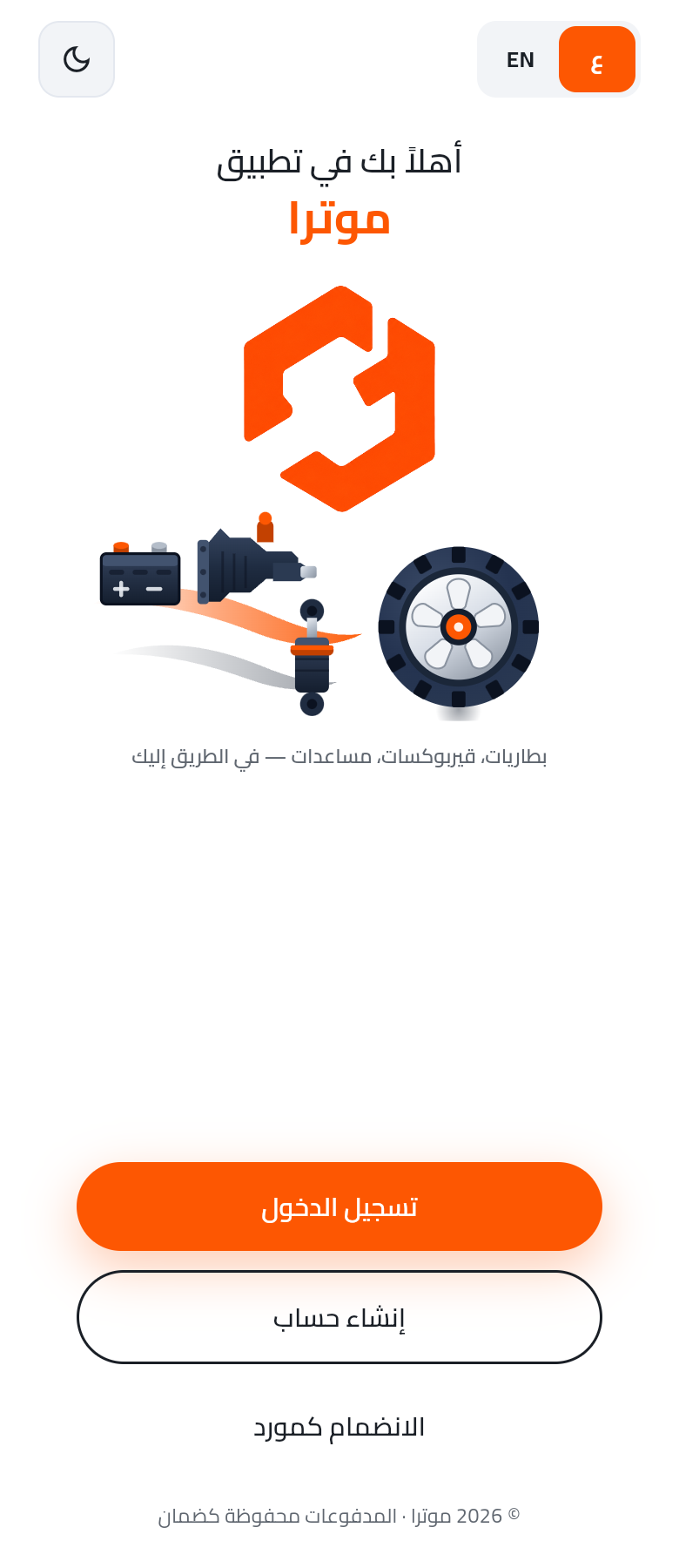
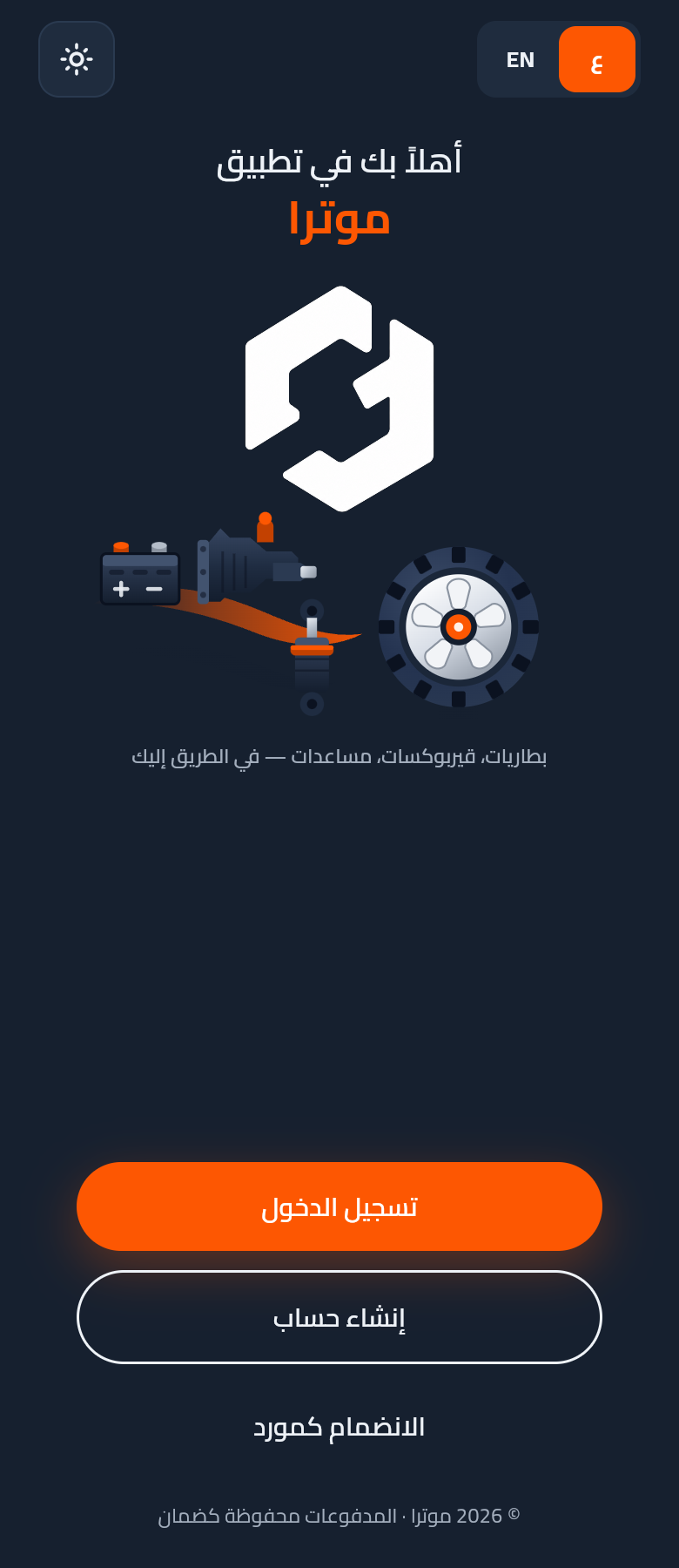
Splash — welcome

MOTRA brand hero + parts illustration + three CTAs (Sign in / Create account / Join as supplier).

Light
Dark
02

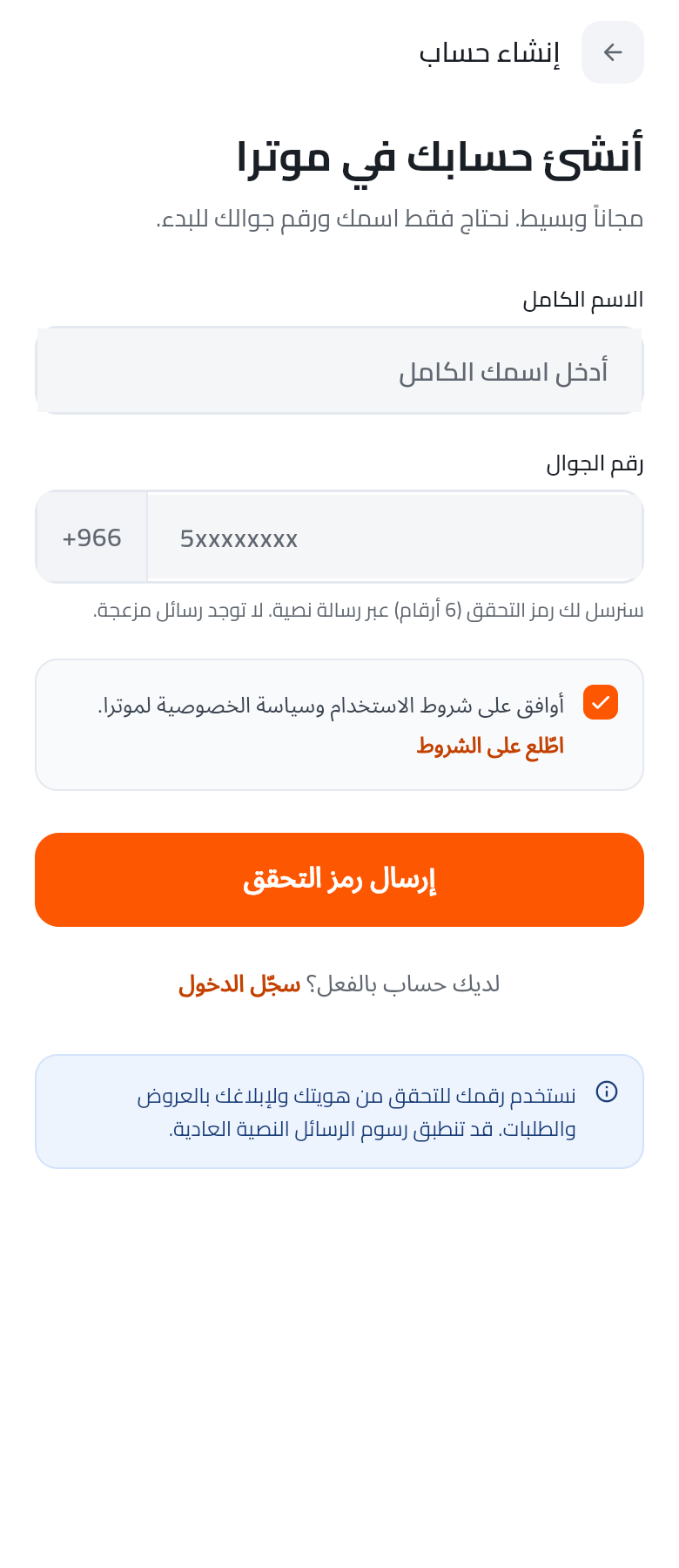
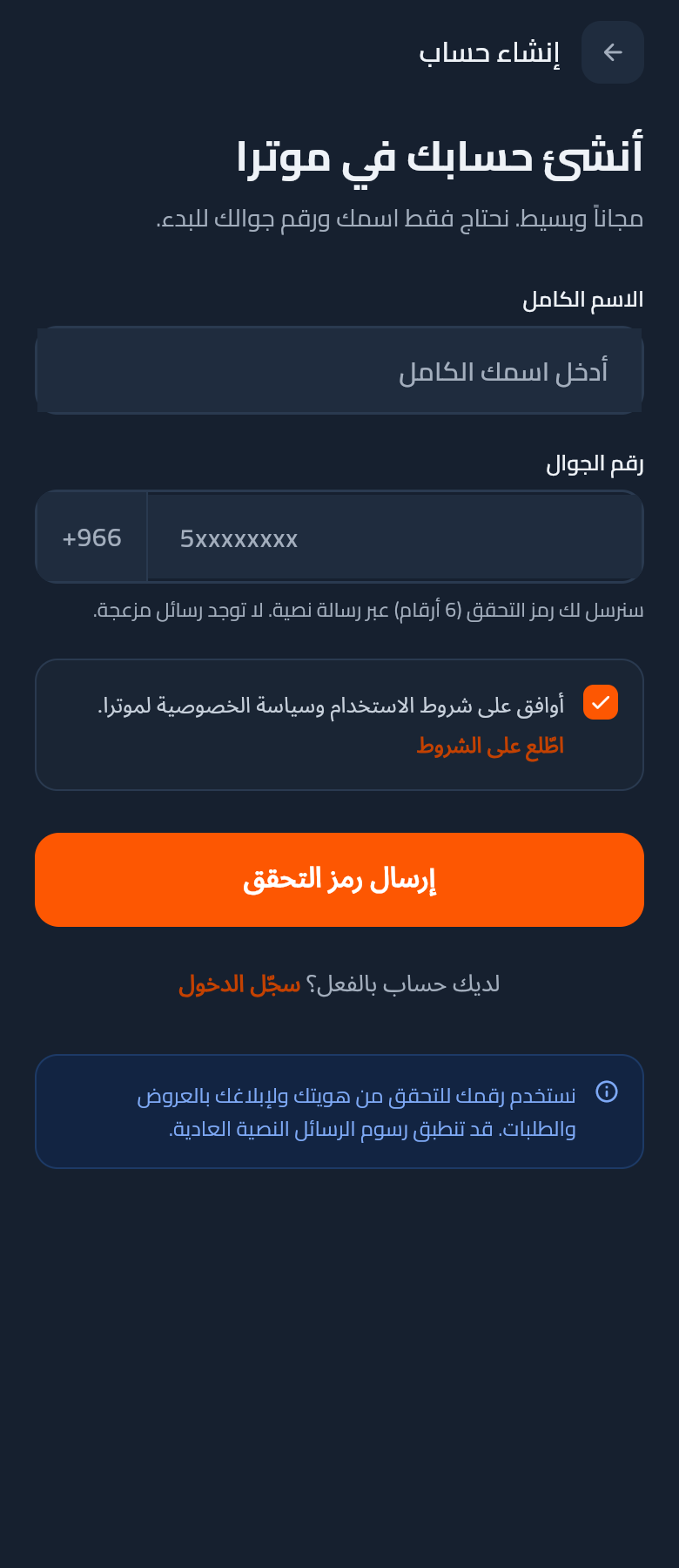
Create account — phone entry

Name + KSA phone with fixed +966 prefix. Terms acceptance required before the OTP is sent.

Light
Dark
03

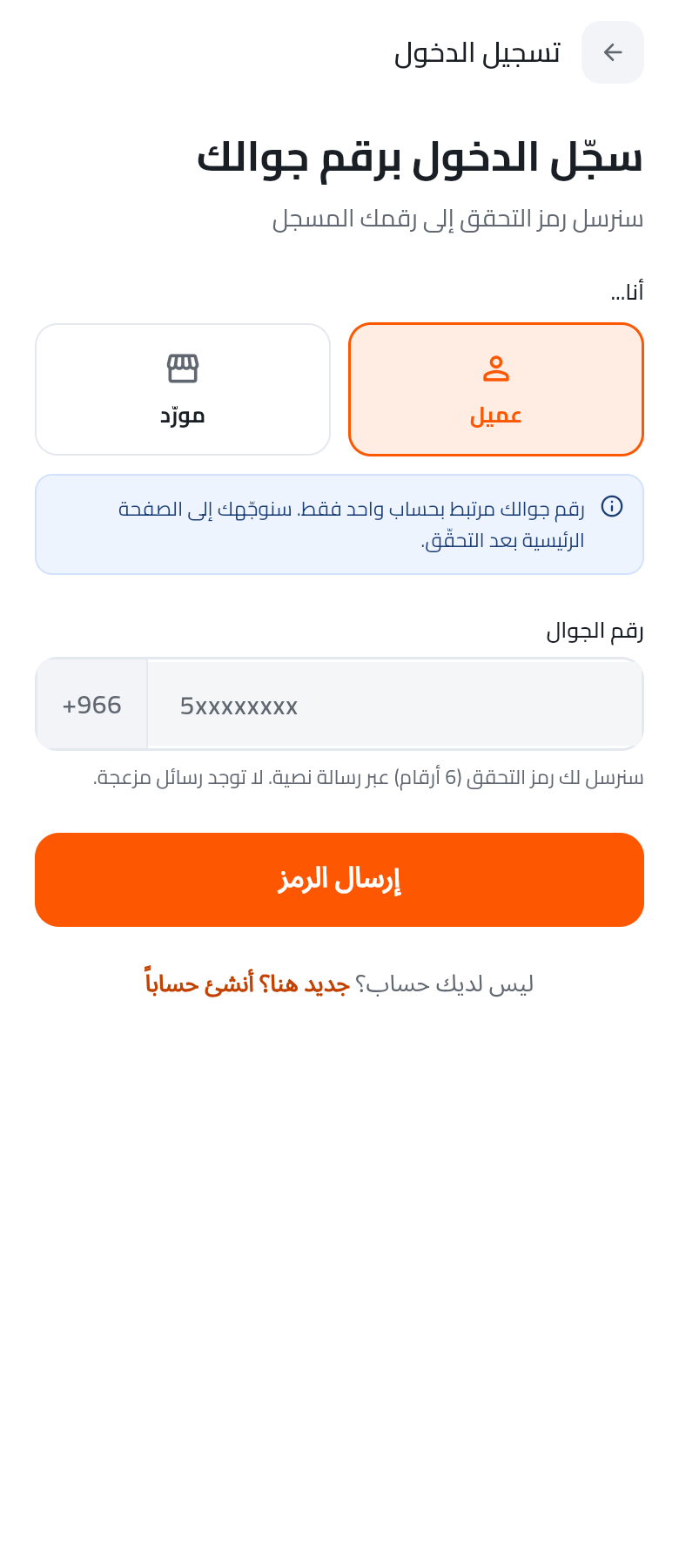
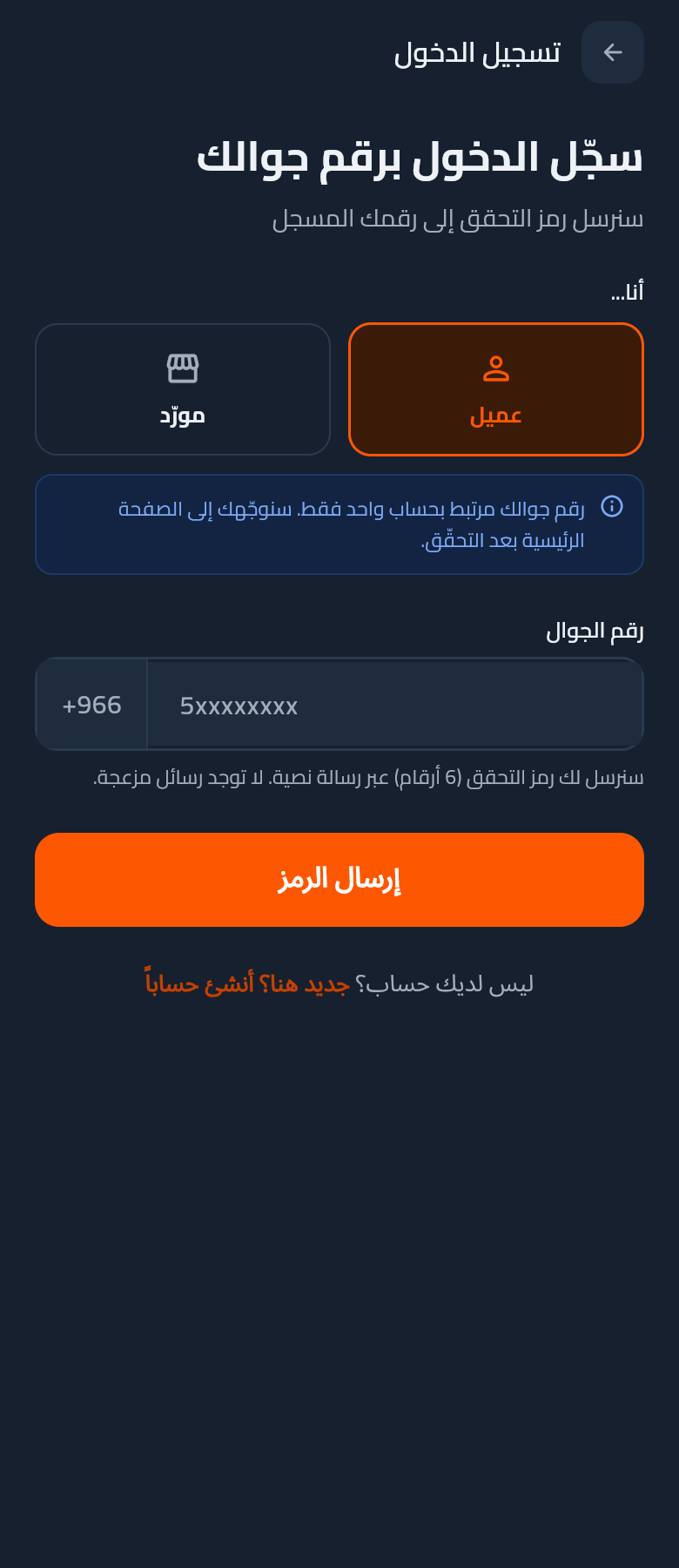
Sign in — existing user

Returning users enter their phone; the OTP is delivered by SMS. Link at the bottom deep-links to Create account.

Light
Dark
04

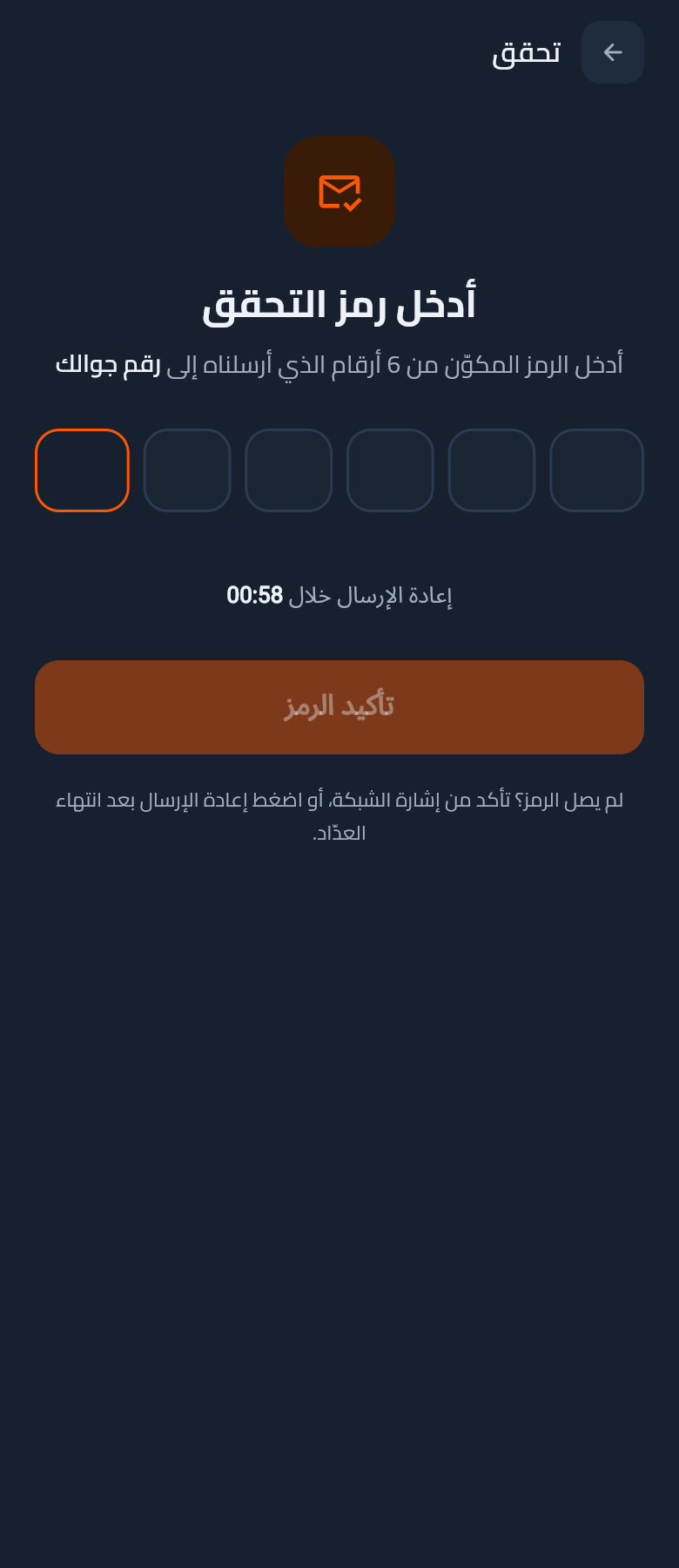
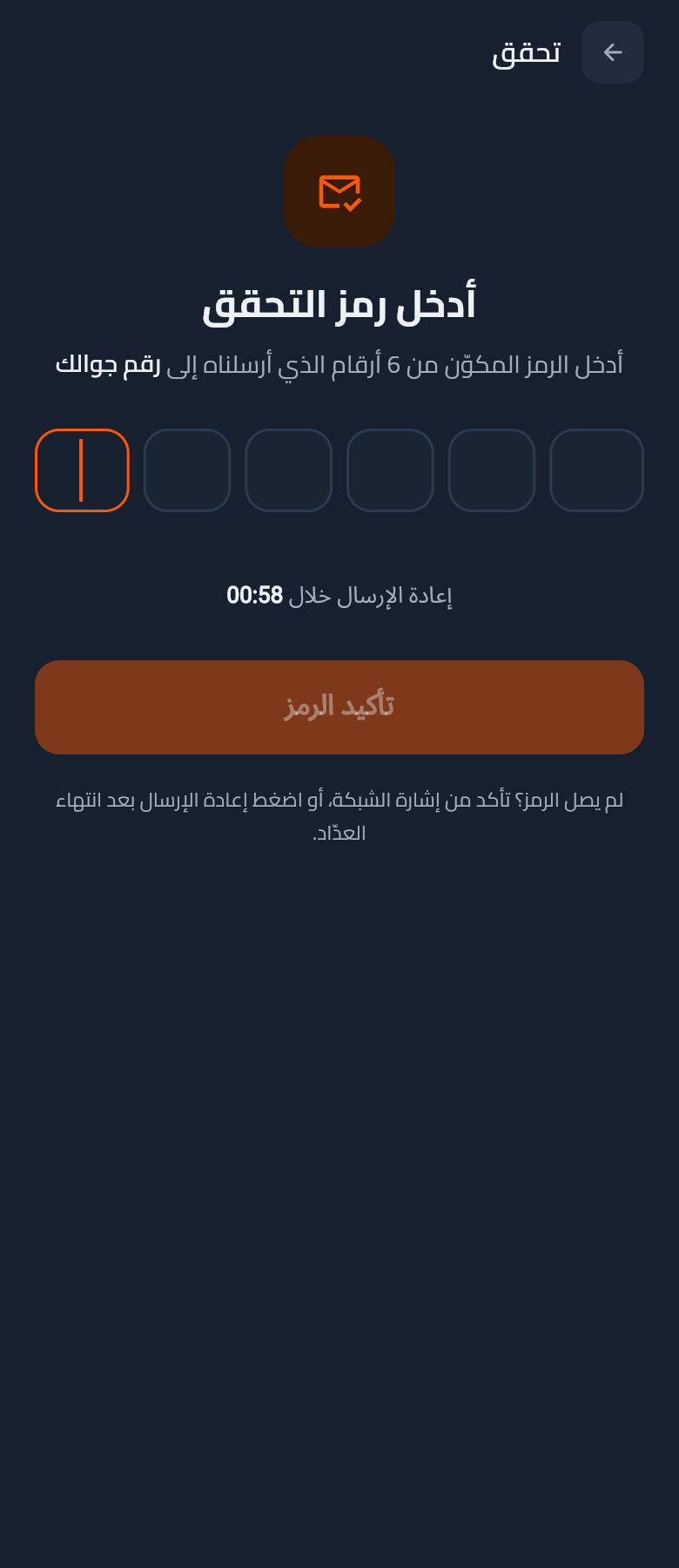
OTP verification — register

6-digit code entry with 60-second resend timer + explicit "code didn't arrive" hint.

Light

Dark
05

OTP verification — sign in

Same OTP component reused for the sign-in flow. Consistent chrome, distinct navigation origin.

Light

Dark
06

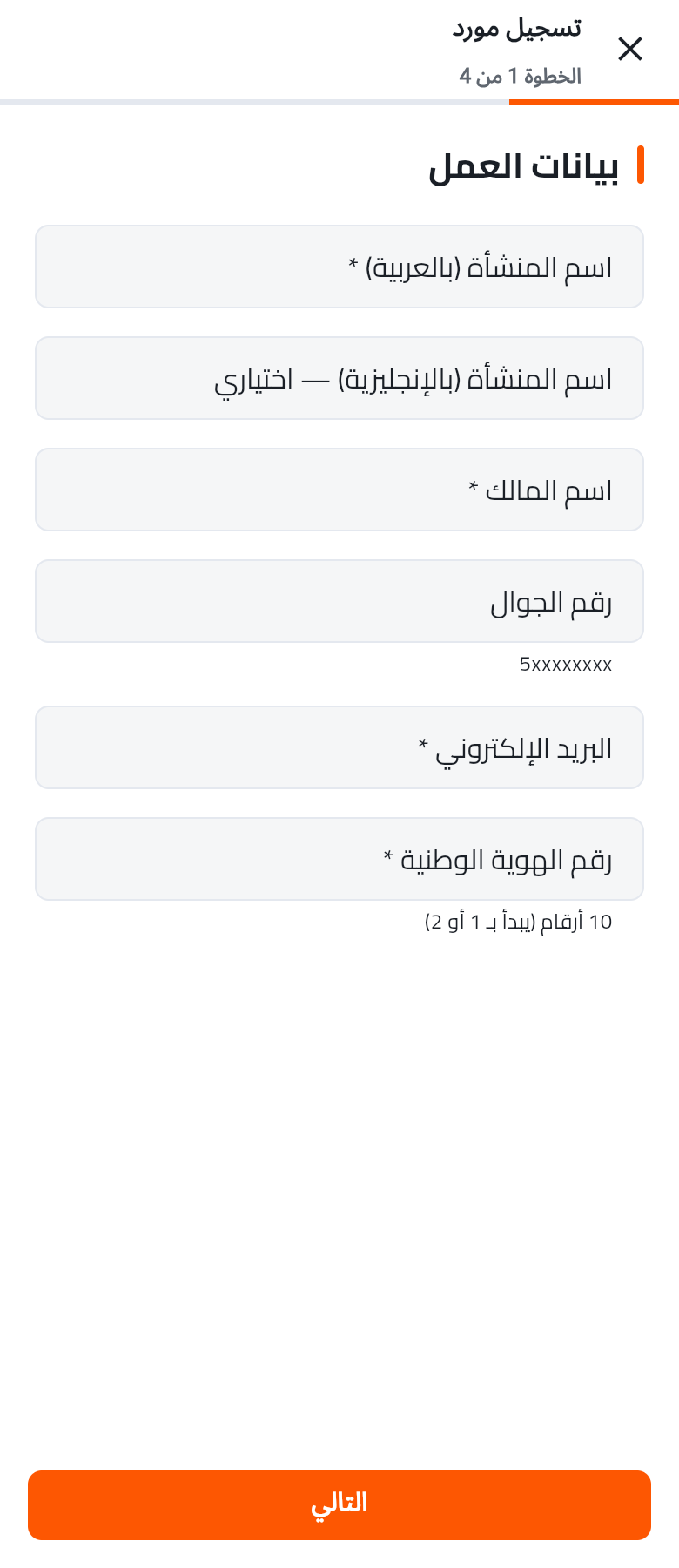
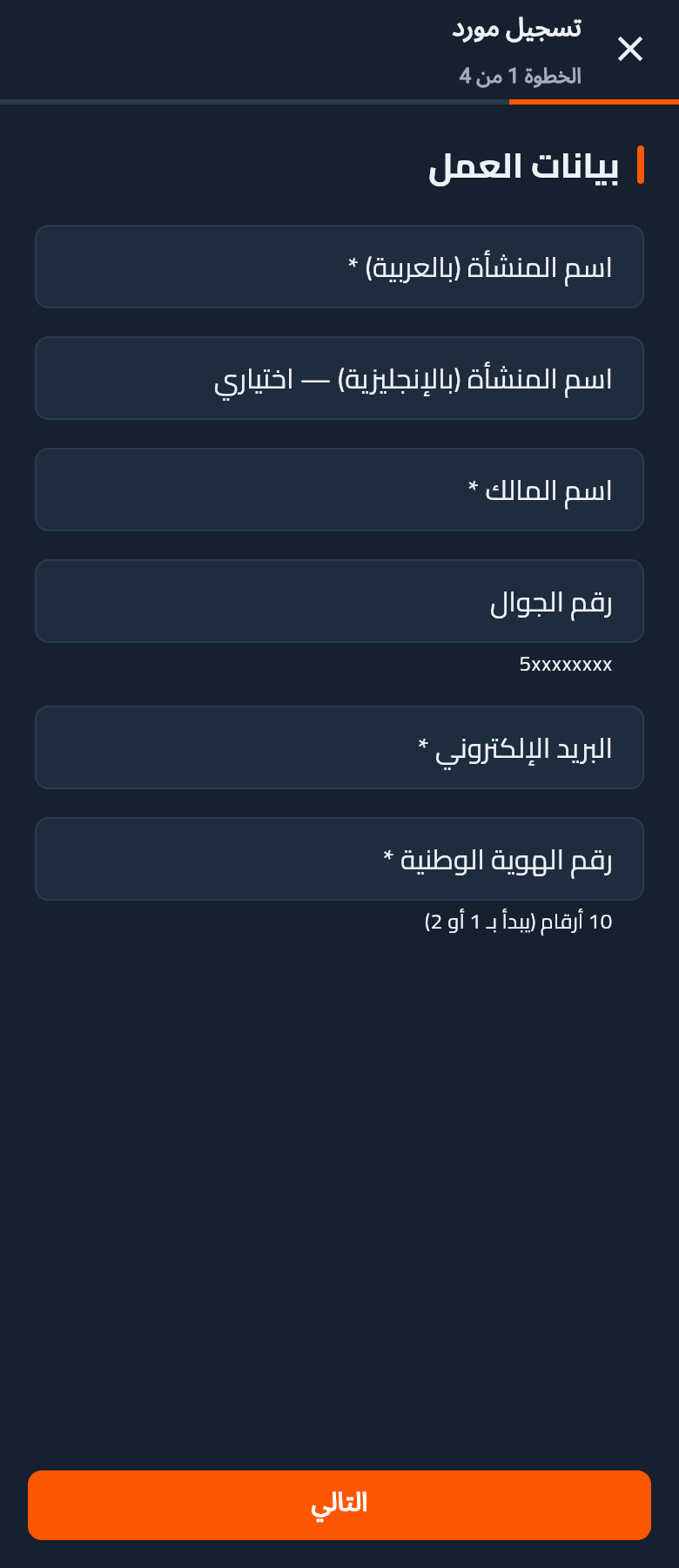
Join as supplier — wizard step 1

Business identity: AR/EN name, owner, phone, email, national ID. Progress bar shows step 1 of 4.

Light
Dark
2

Customer — Home & Discover

Home screen with unified top region (bar + hero), promo banner, nearby-suppliers carousel, and the four primary destinations.

07Body v2

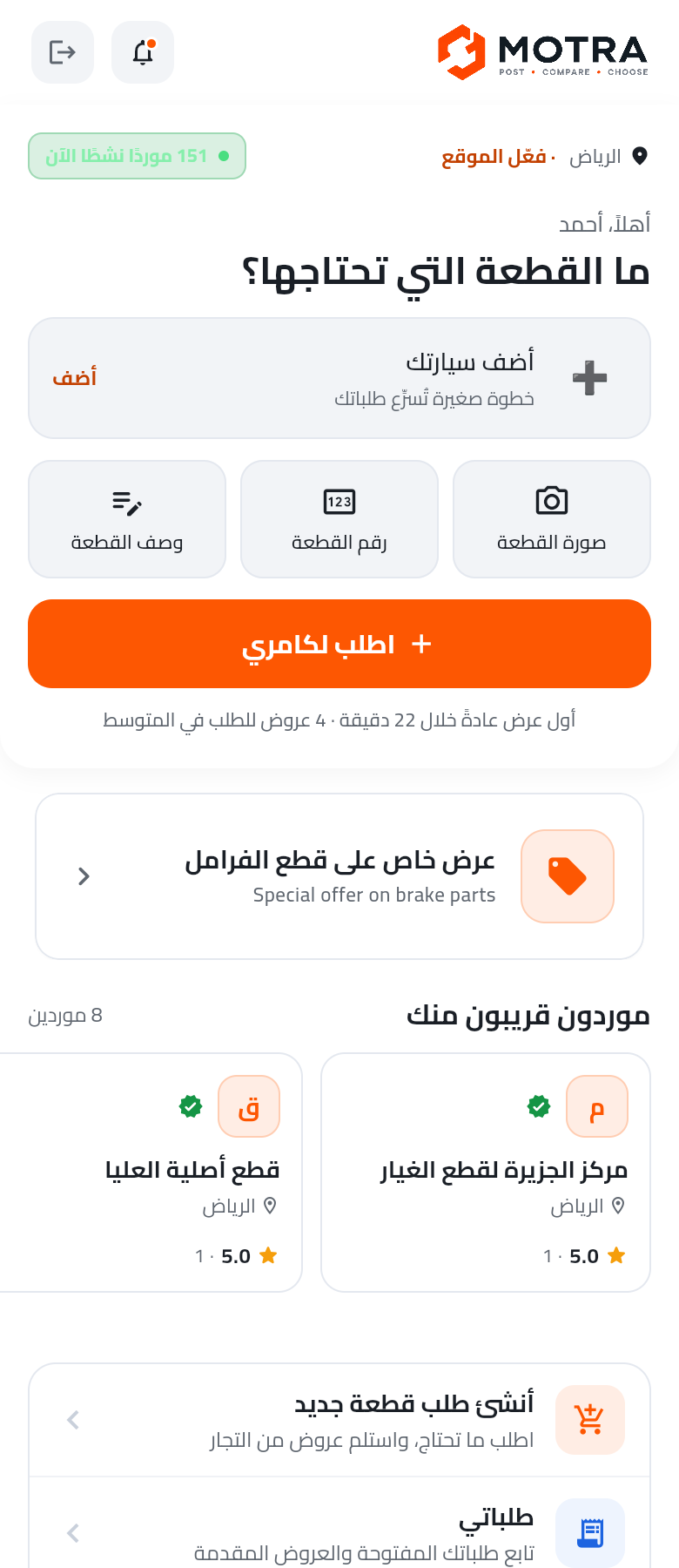
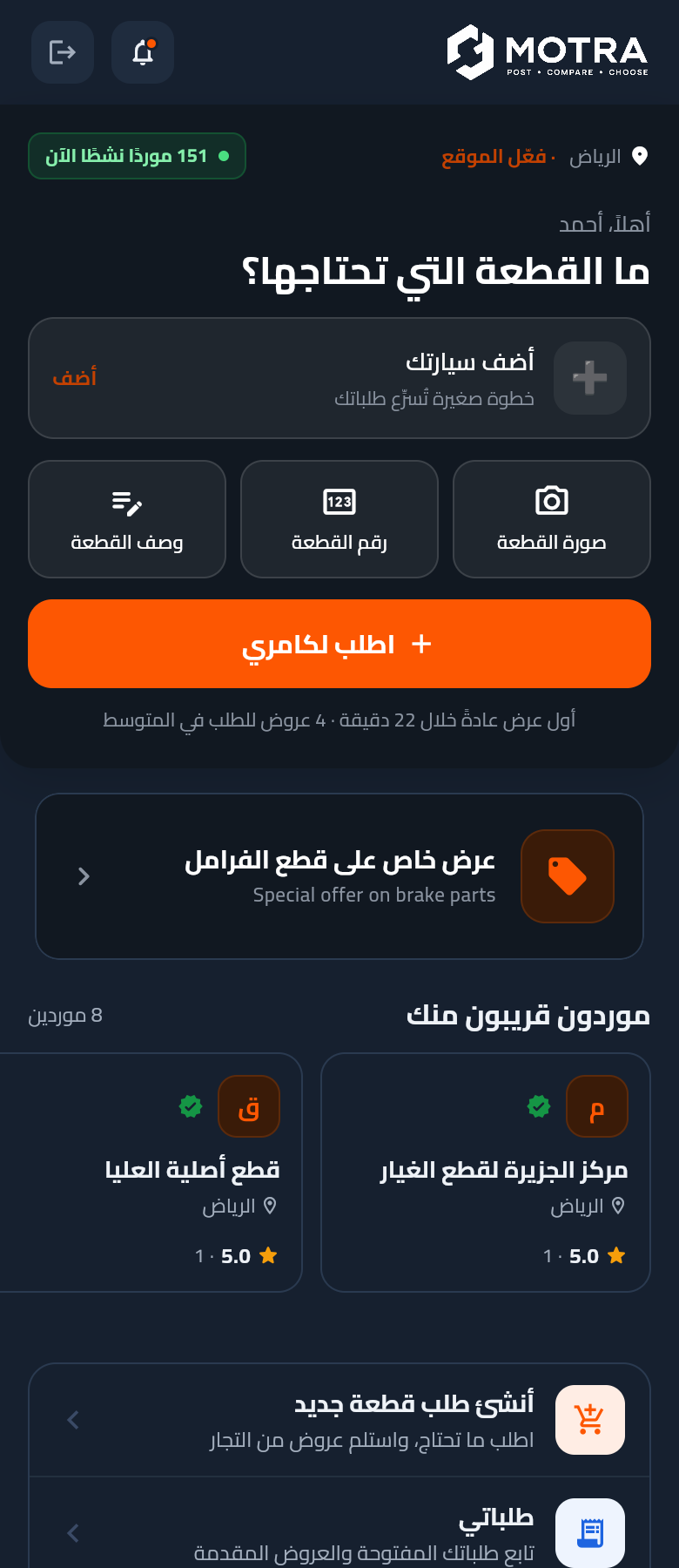
Home — full body

Top-region (bar + hero: greeting, Riyadh location with Enable-location link, live-suppliers count (real, from /public/provider/count), garage-aware car card — falls back to "Add your car" when the customer's garage is empty). Body: promo banner + nearby-suppliers carousel (/public/provider/nearby) with real Saudi-shop names + recent-requests inline preview (/customer/requests) — hides when empty + 4 primary destinations.

Light
Dark
08

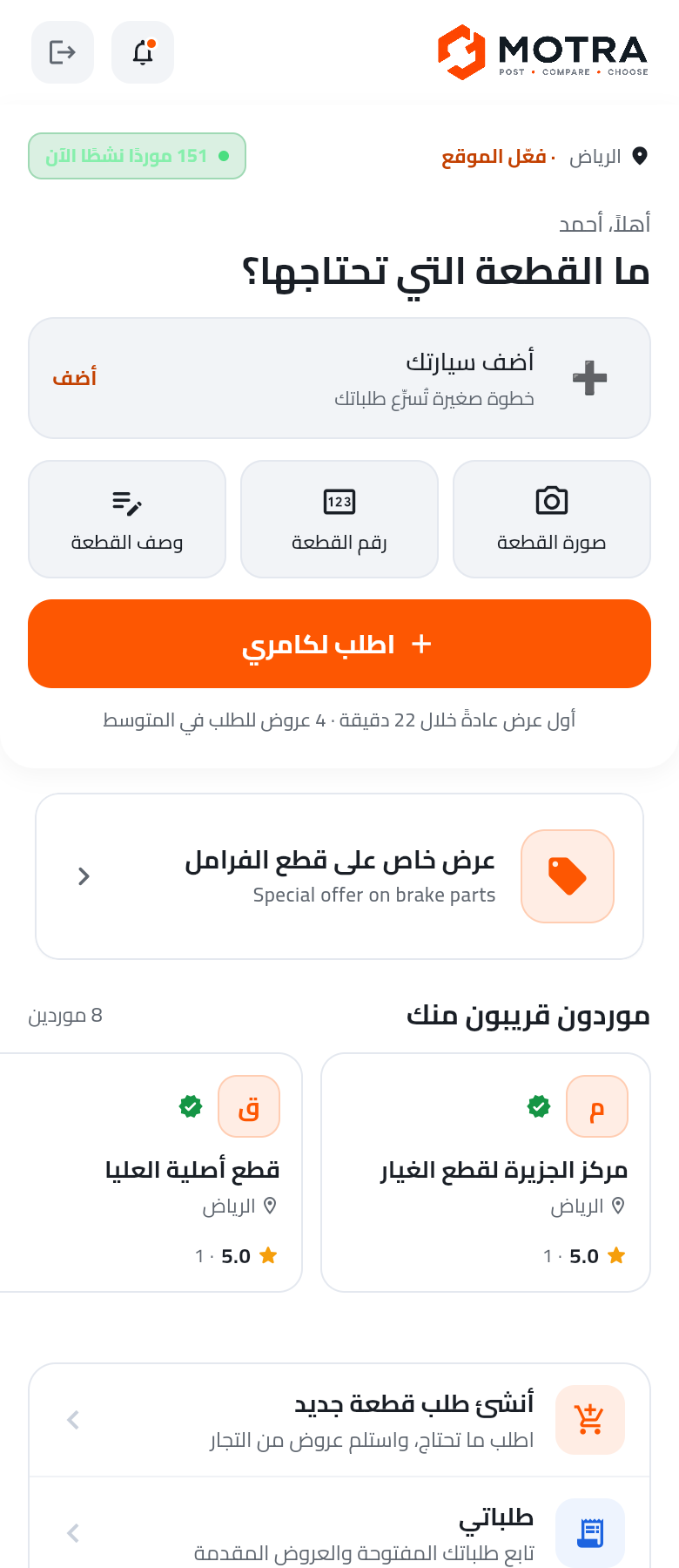
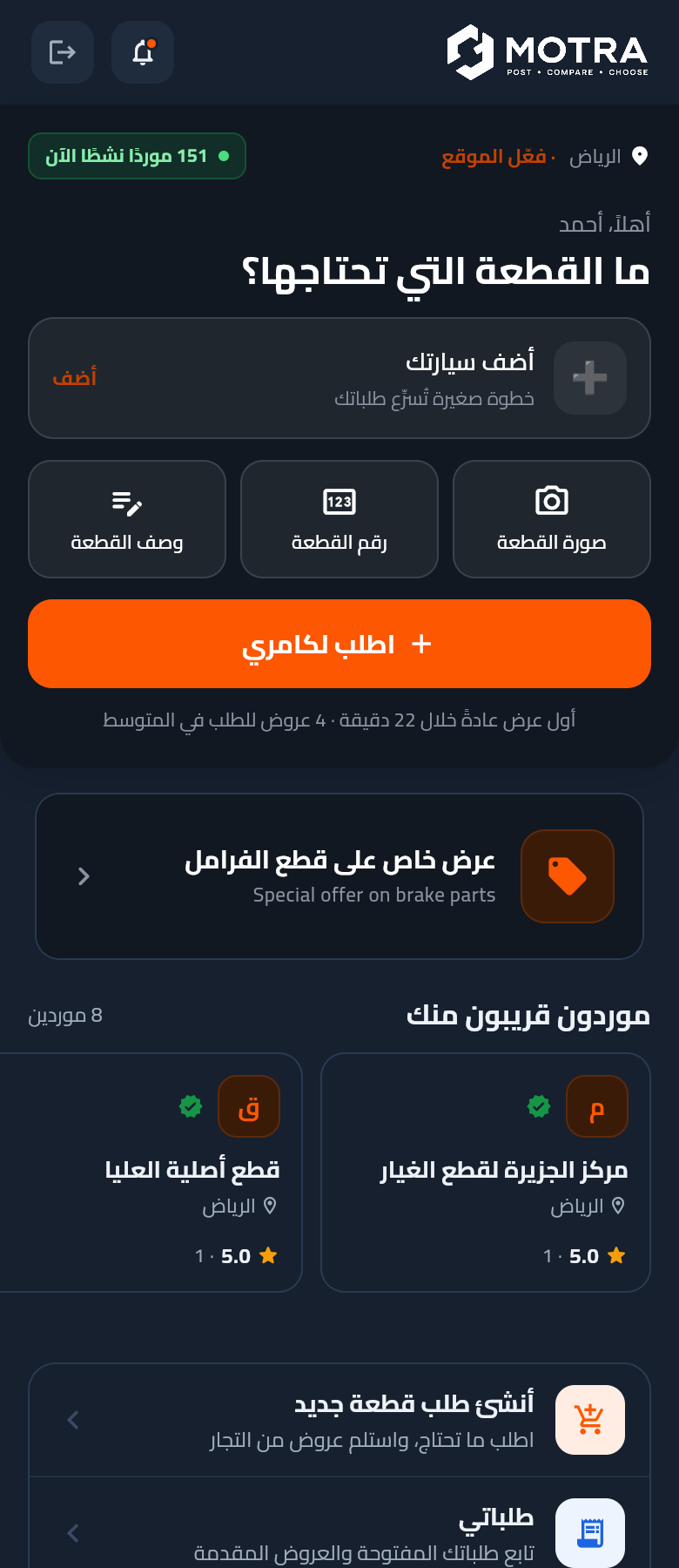
Home — top region (previous shot)

Top region only — kept for reference. Both bar and hero merge into one edge-to-edge surface (round-4 fix).

Light
Dark
3

Create & Track Requests

Post a new part request through the 3-step wizard, then browse the personal request pipeline.

09

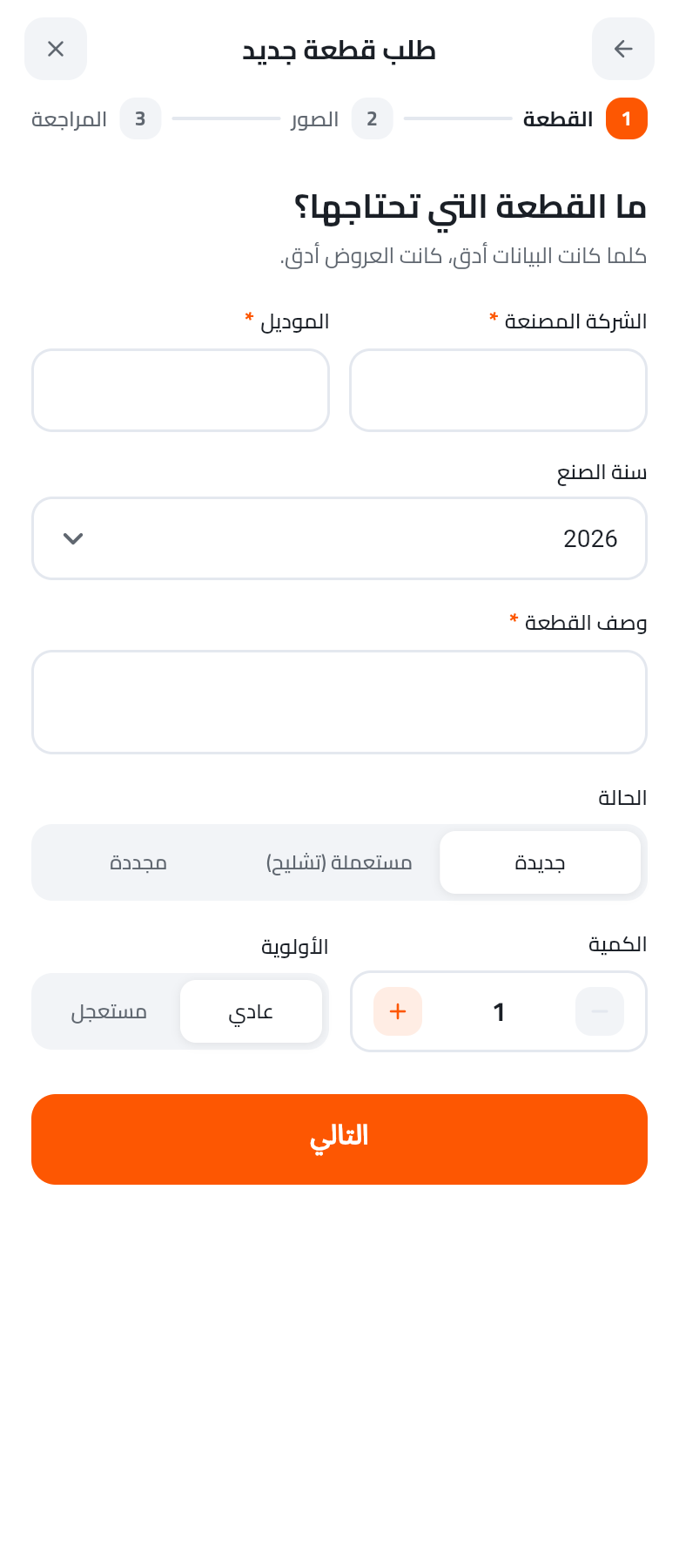
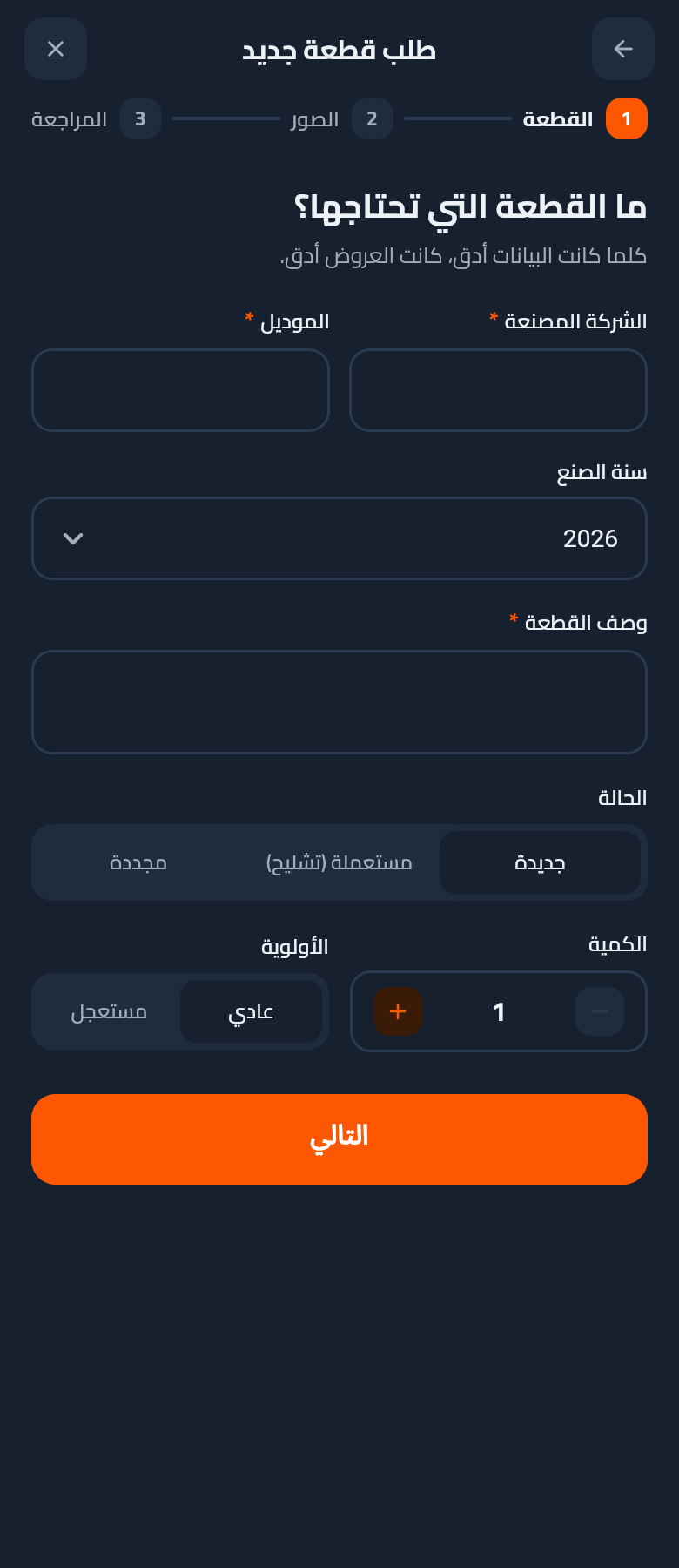
Create request — wizard

3-step guided flow: part details → photos → review. Step-progress dots at top; primary CTA at bottom.

Light
Dark
10

My requests

Filter chips (All / Awaiting / Received / In progress / Completed) + list of requests. Empty state points to the primary CTA.

Light
Dark
11

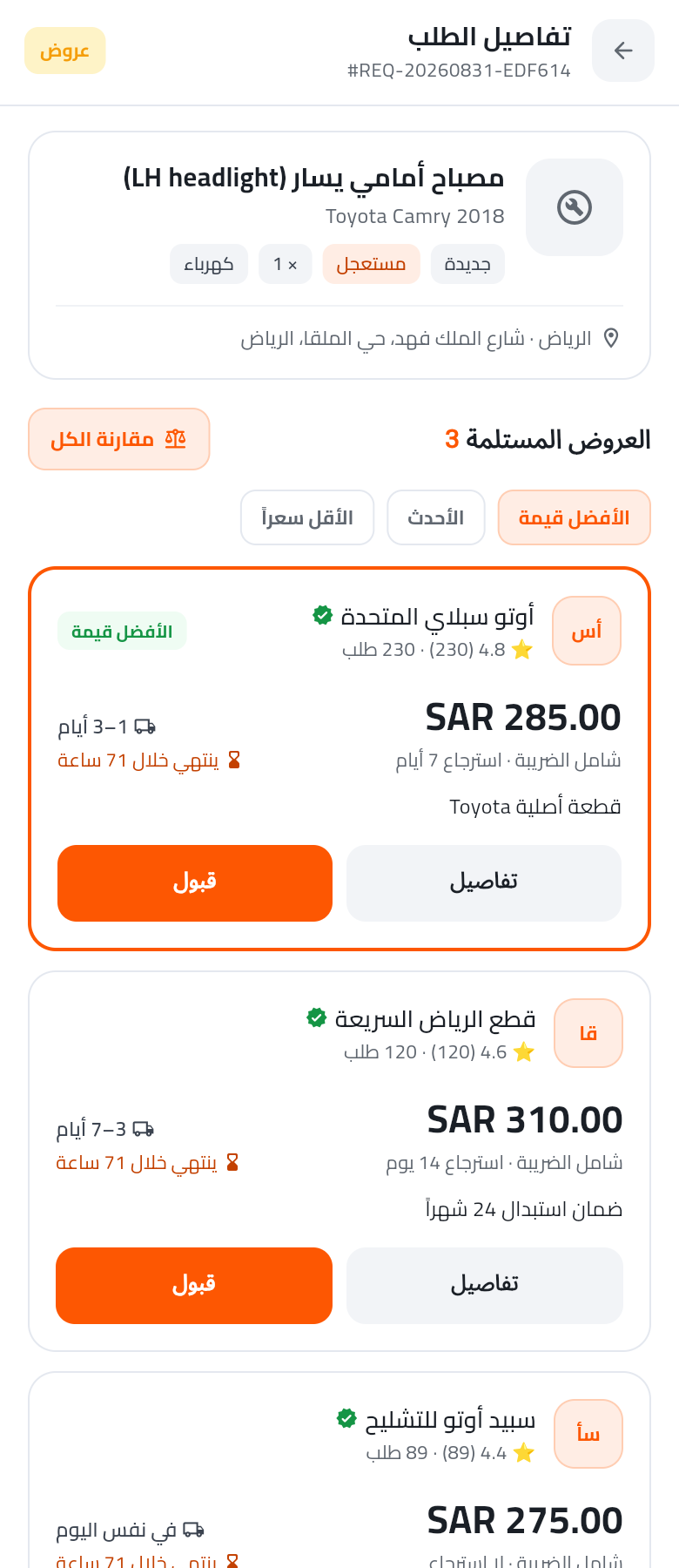
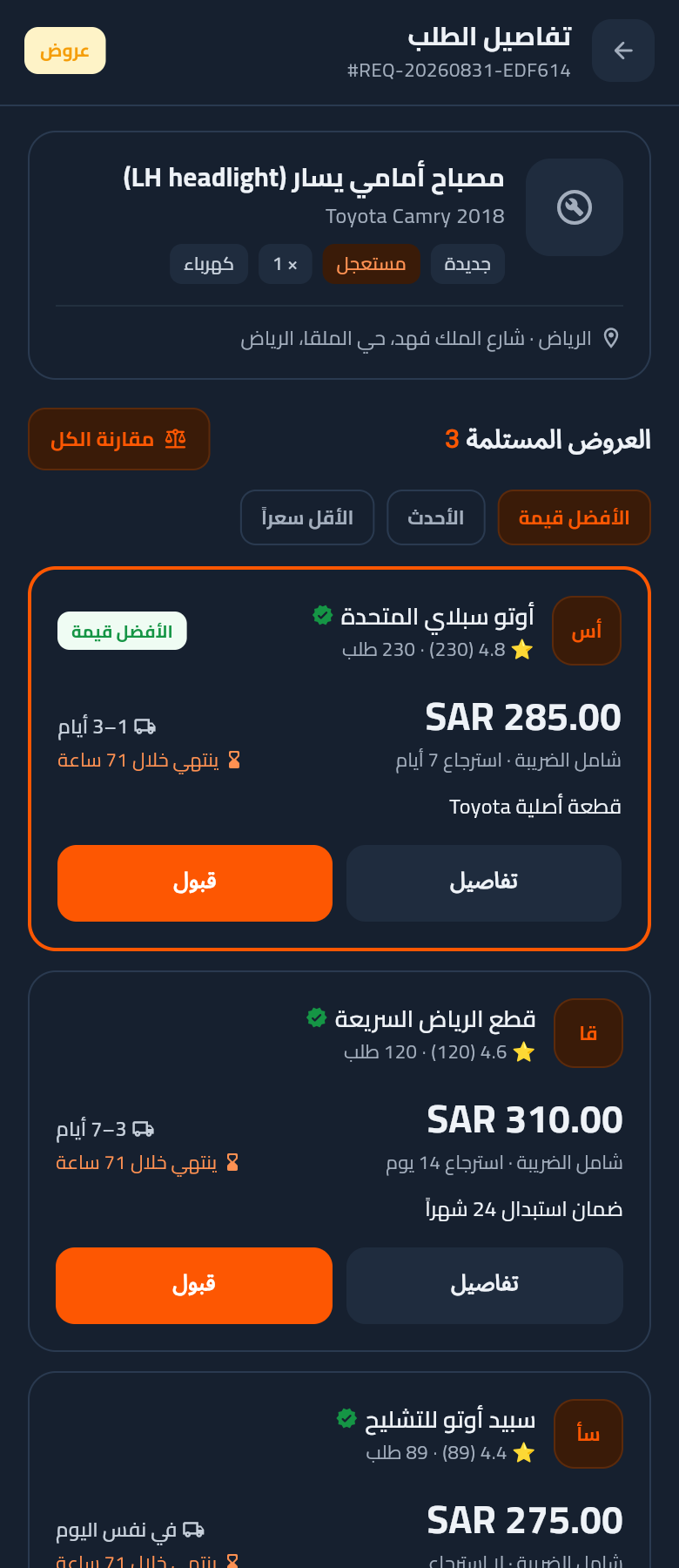
Request detail — quotes list

Request summary (part + car + priority chips + delivery) plus received quotes. Best-value quote highlighted; sort options (best value / newest / cheapest).

Light
Dark
4

Quotes & Purchase

Compare quotes side-by-side, inspect a supplier profile, then pay through escrow.

12

Compare quotes — matrix

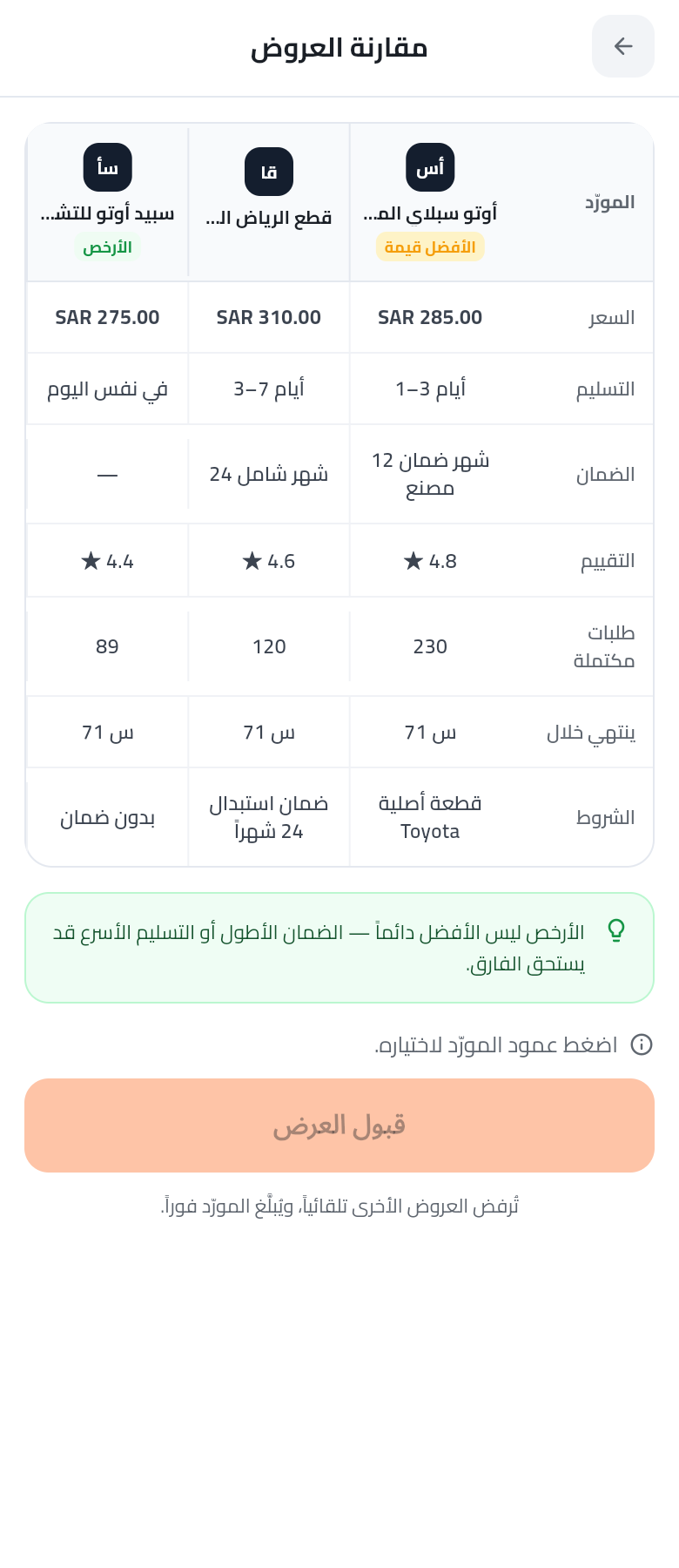
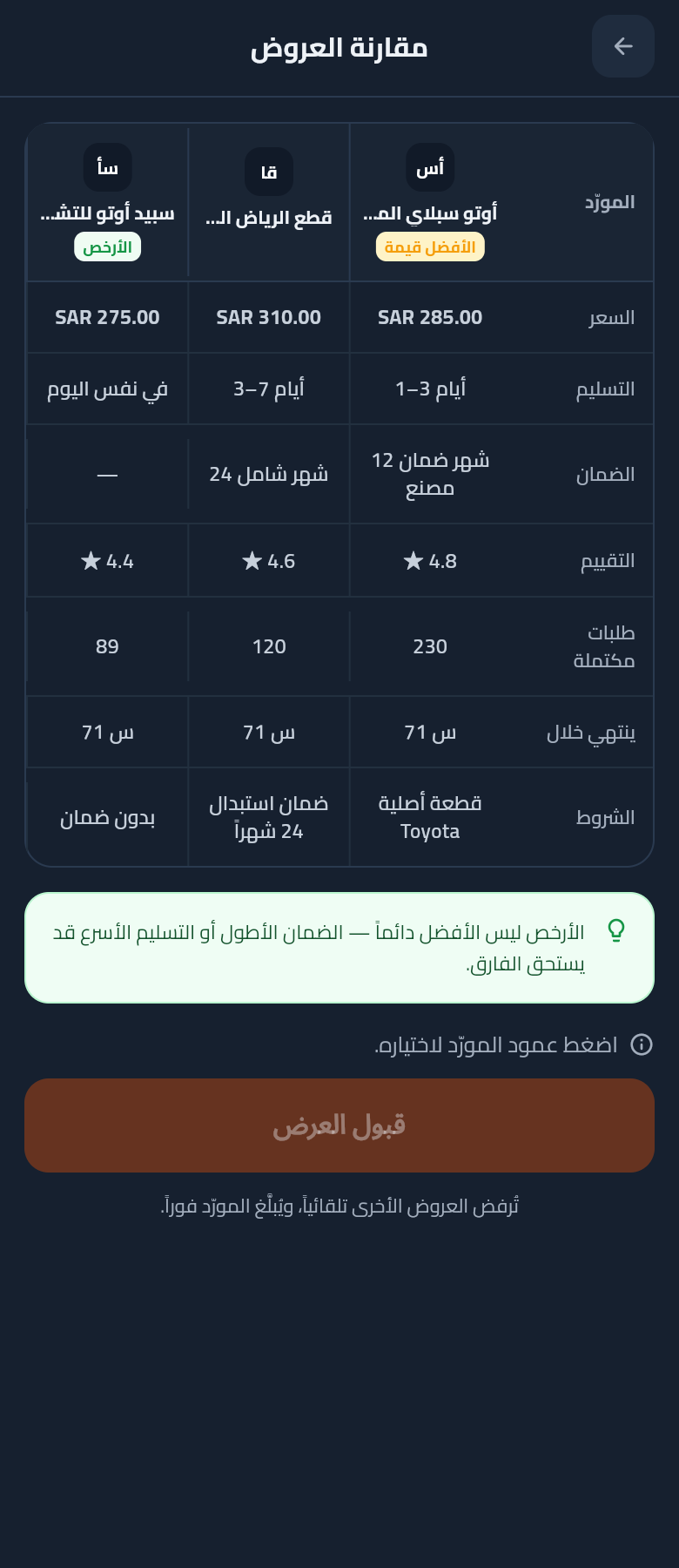
Column per supplier, row per attribute (price / delivery / warranty / rating / completed orders / deadline / terms). Green tip card reminds the customer that cheapest ≠ best.

Light
Dark
13

Public provider profile

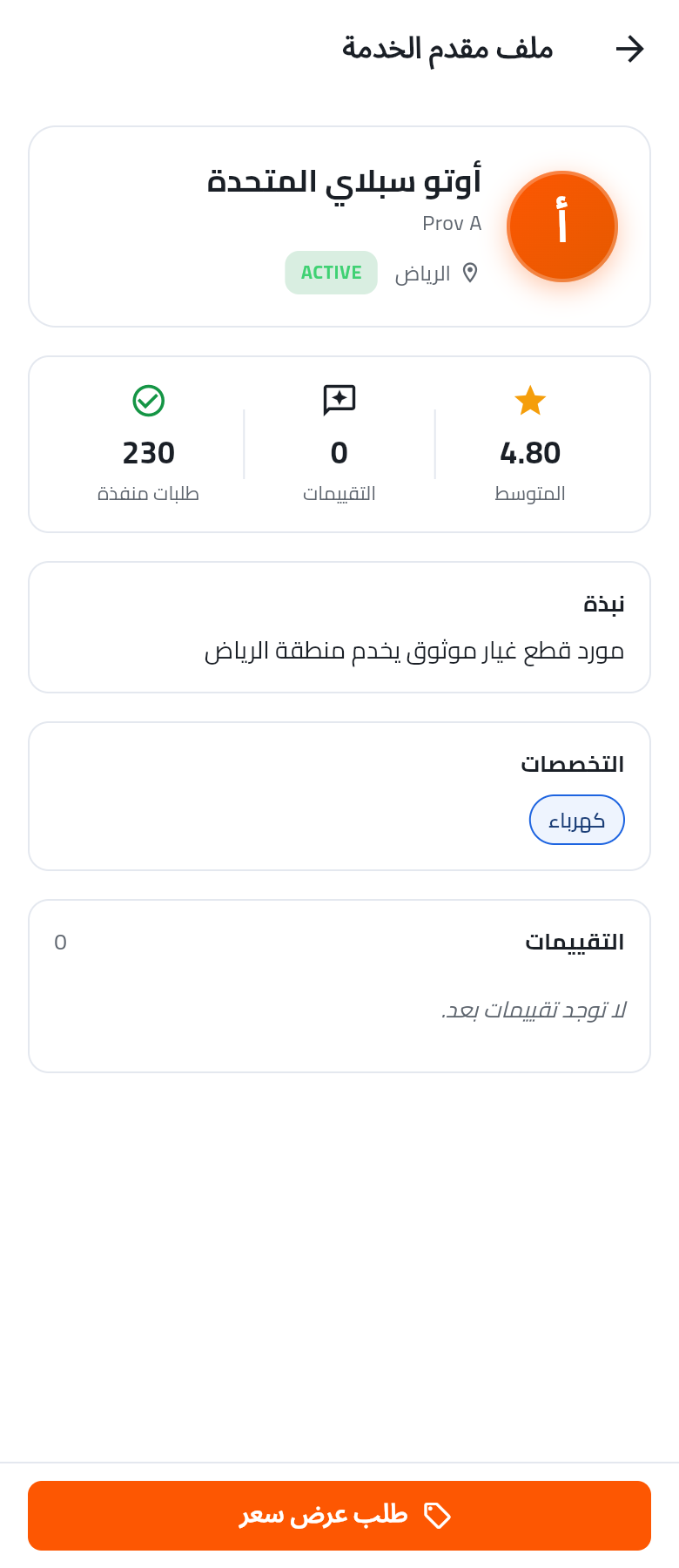
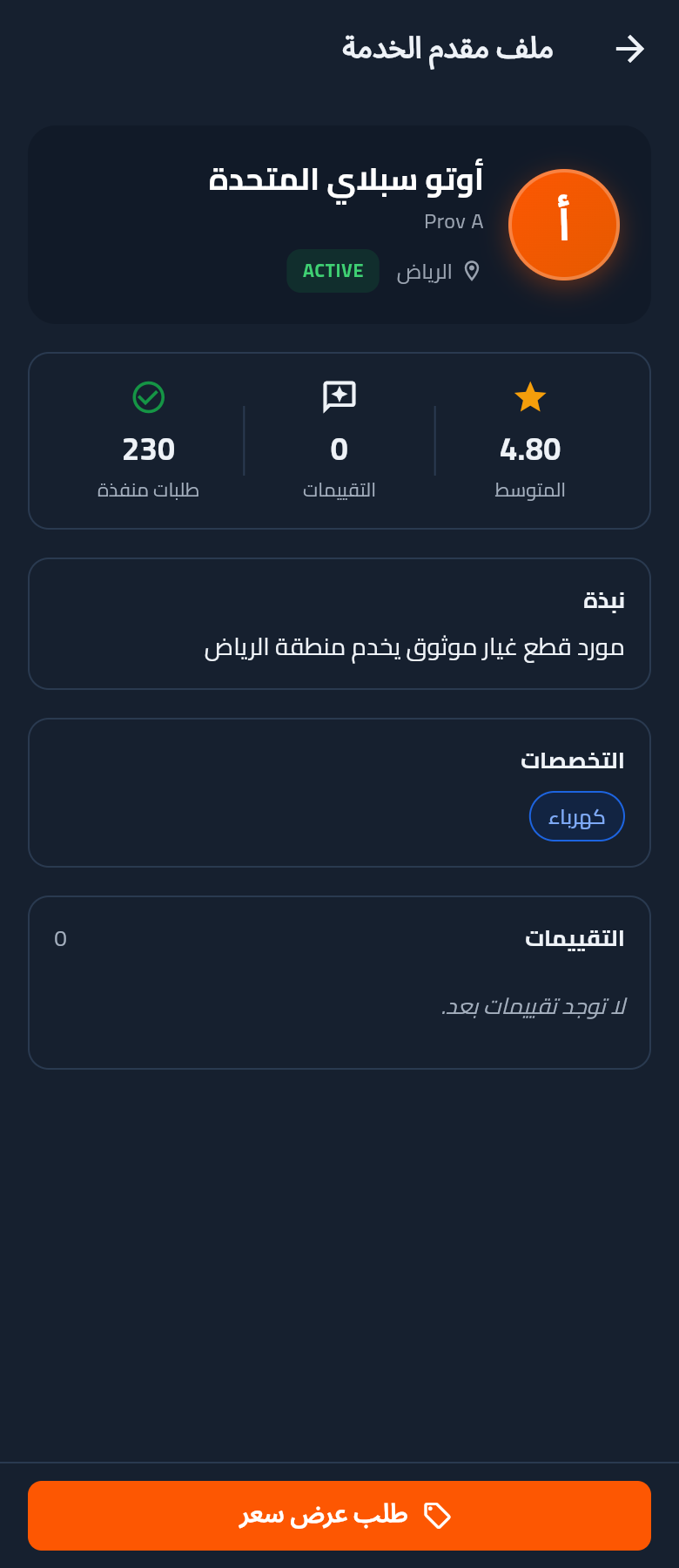
What a customer sees before accepting: business identity band + stats (completed orders, reviews, rating), about, specialities, reviews, and a sticky bottom "Request quote" CTA.

Light
Dark
14

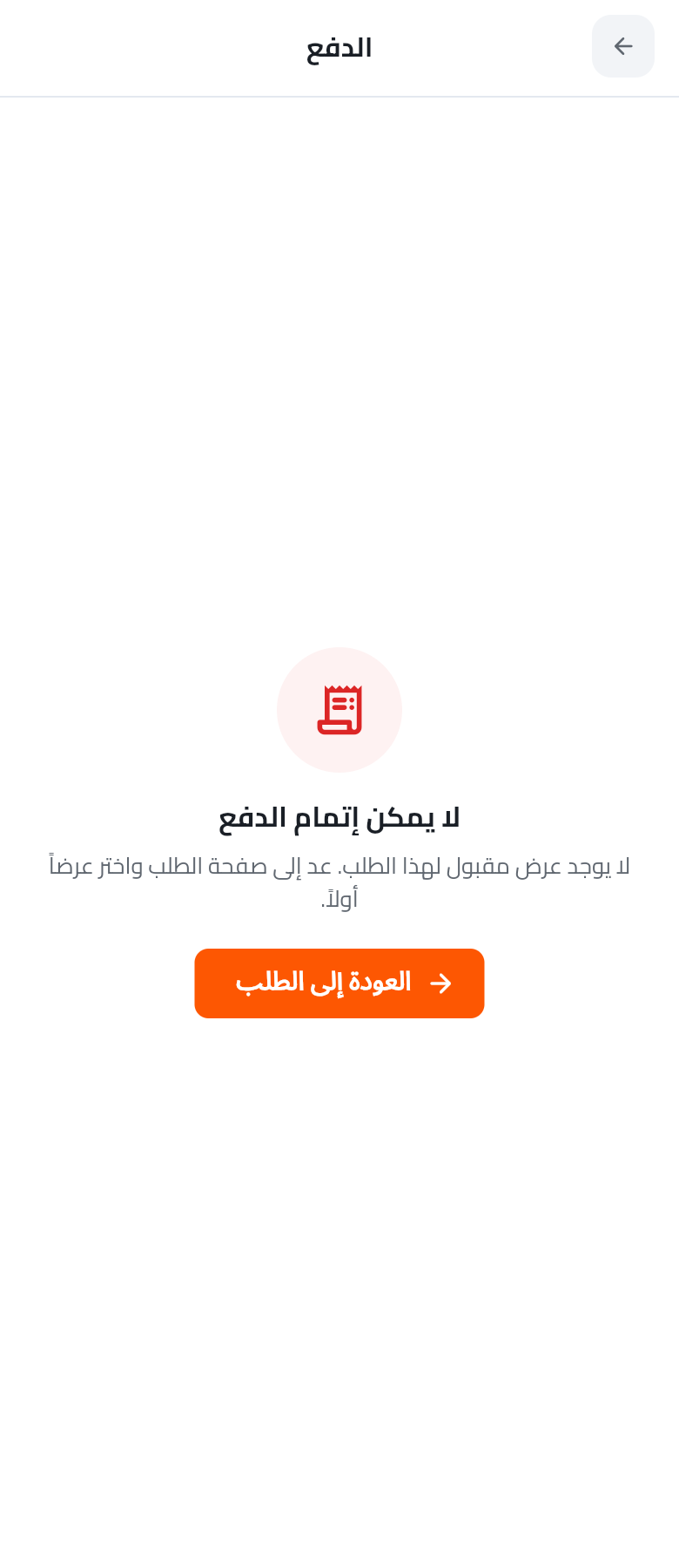
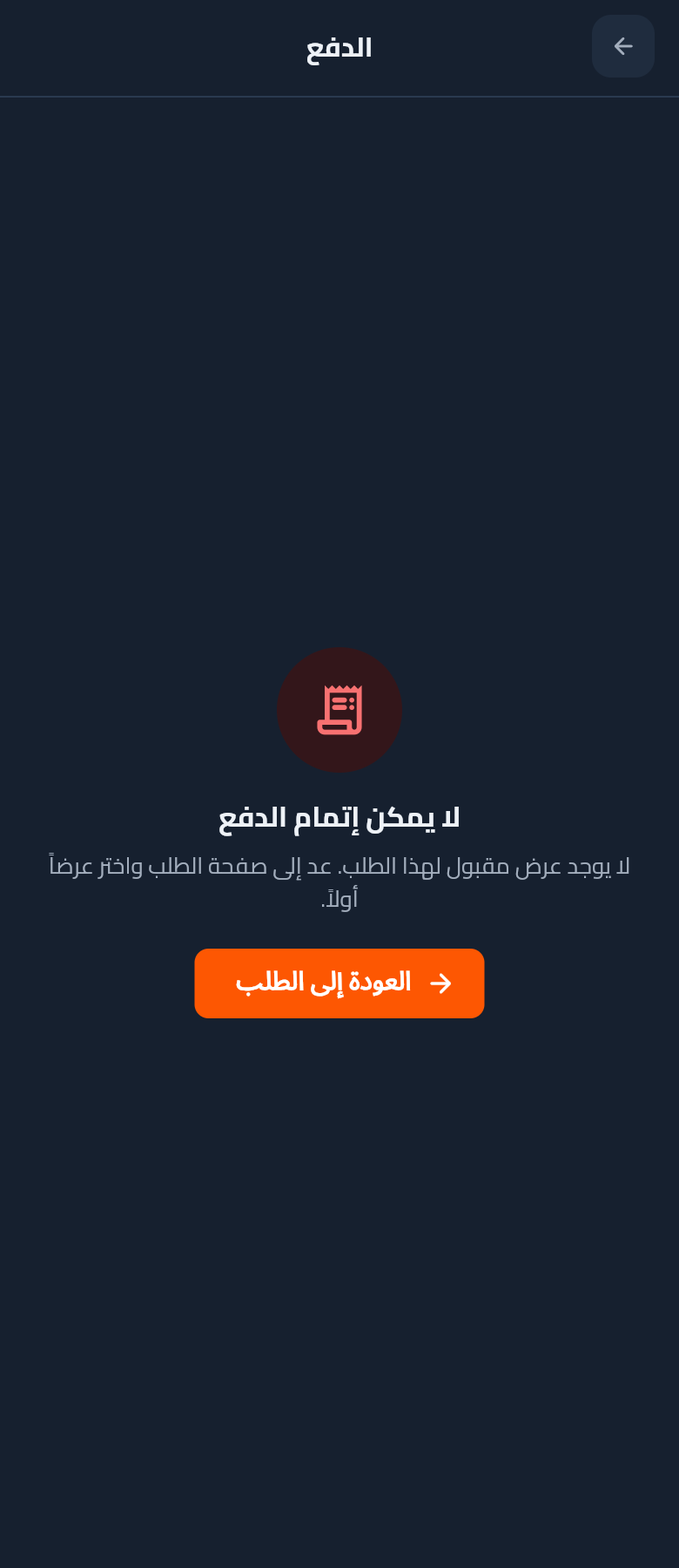
Pay — escrow-backed

Line-item breakdown (part × qty, VAT, platform fee, total) + 30-min countdown + payment-method radios (MOTRA Wallet / cards + local wallets) + escrow-holds-until-delivery explainer.

Light
Dark
5

Wallet, Chat & Notifications

Money, communication, and alerts — all reachable from home or the more menu.

15

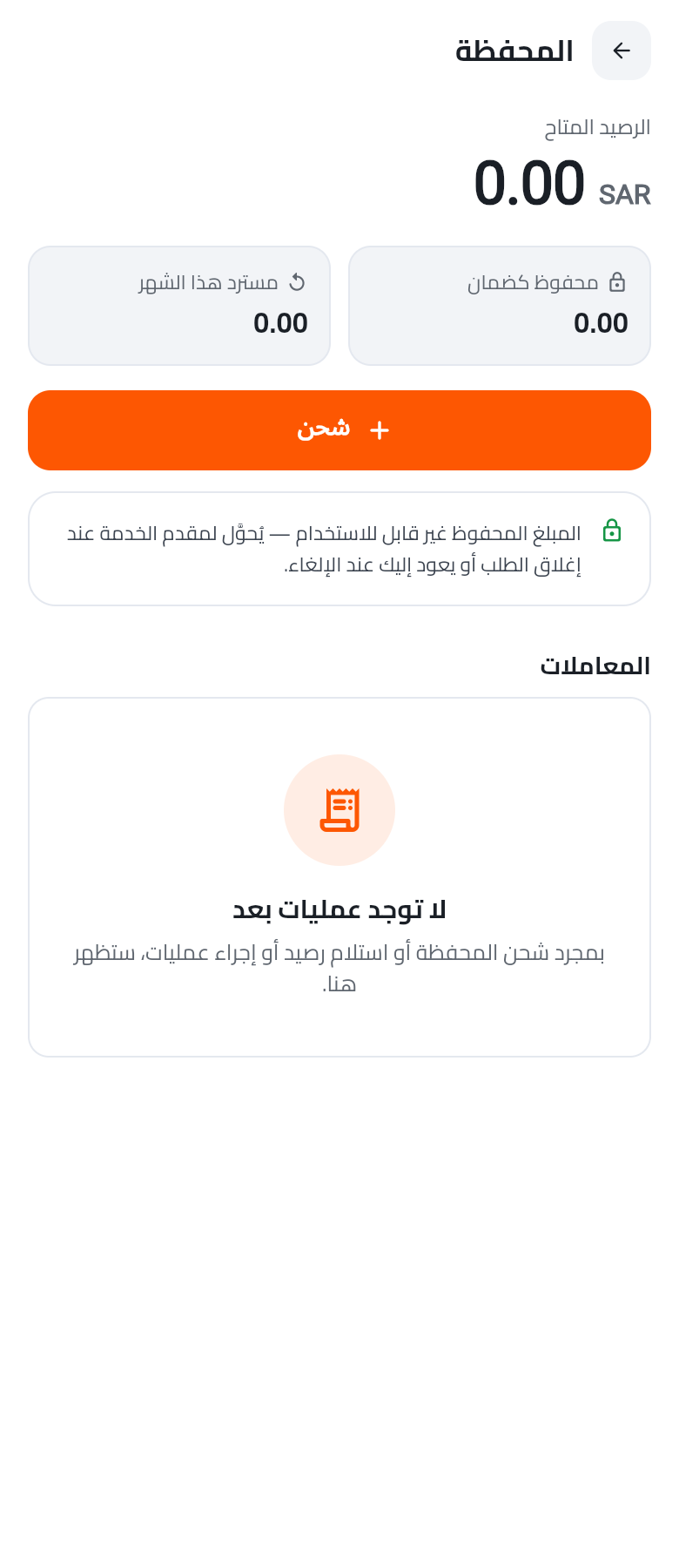
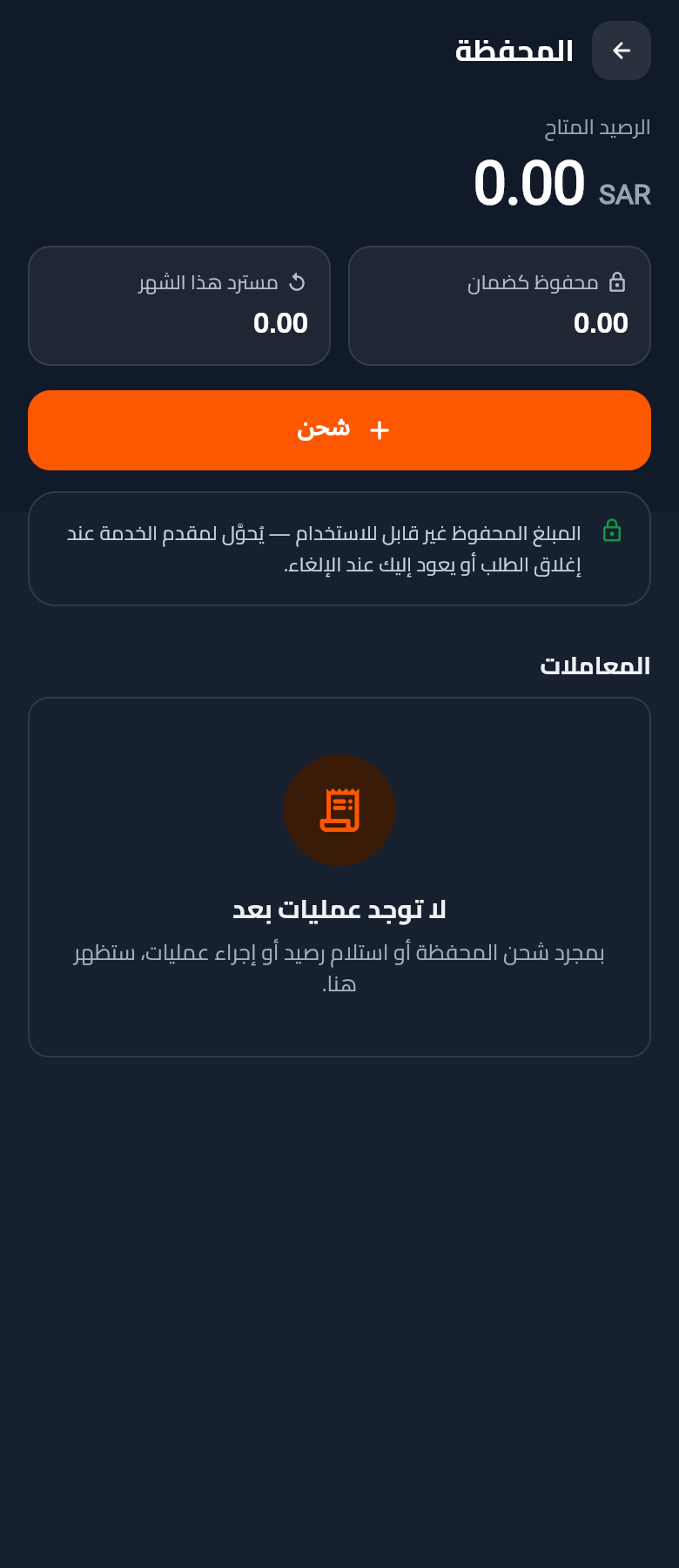
Wallet

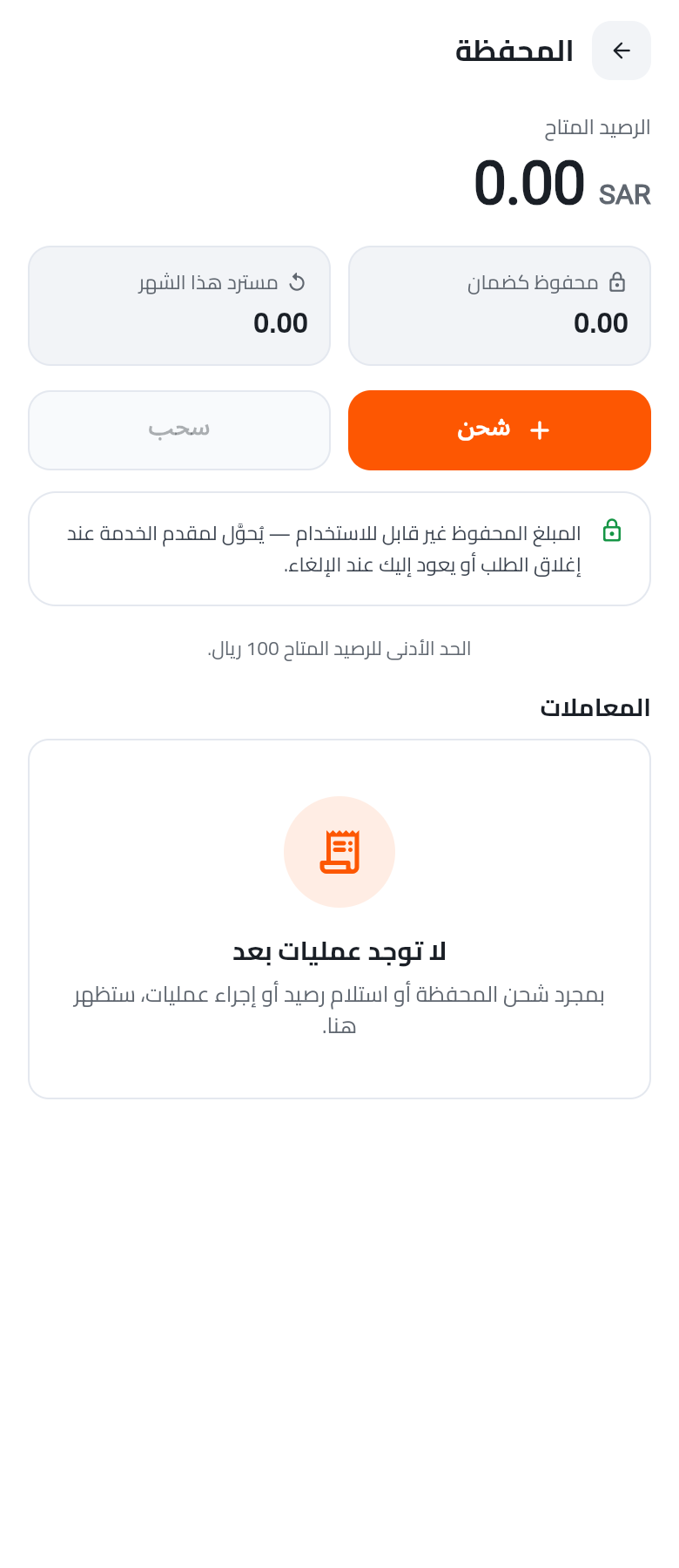
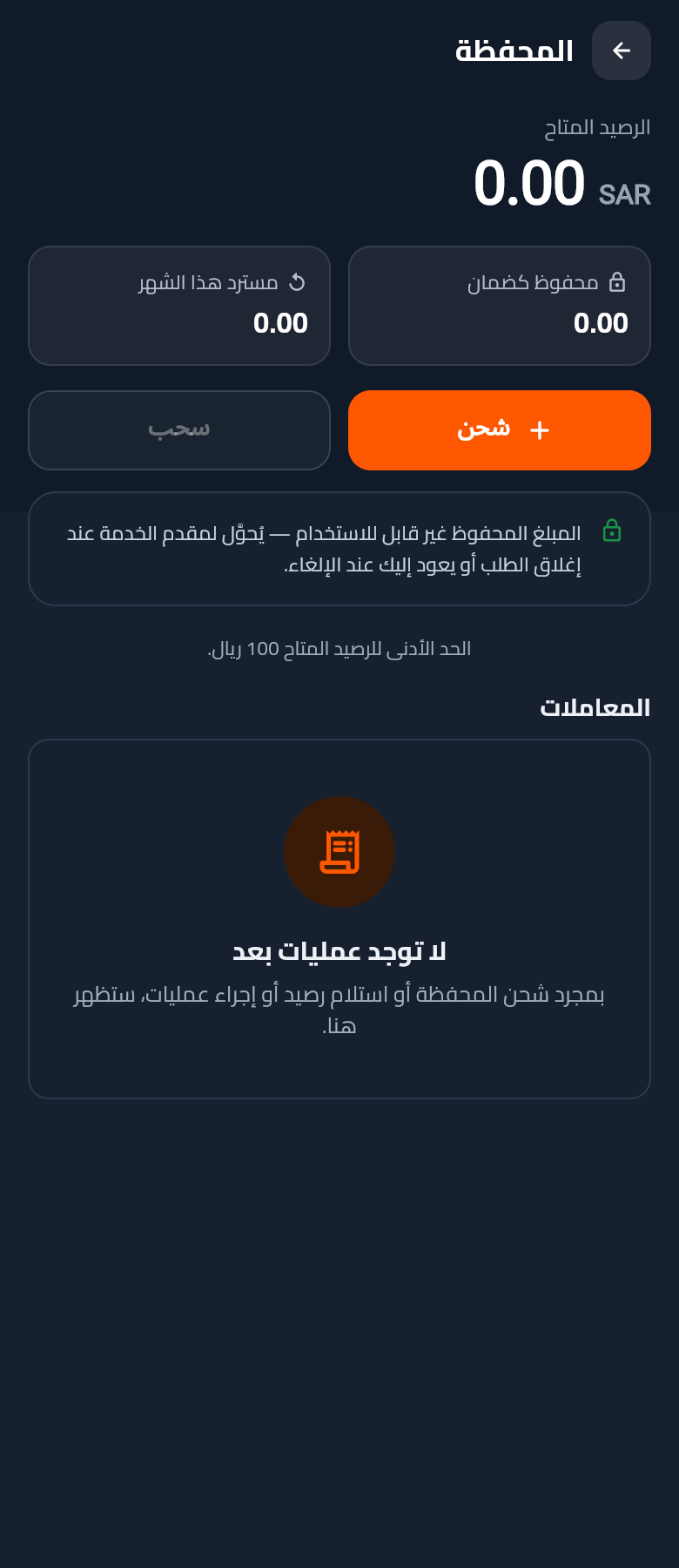
Available balance top-line + refunded/escrowed split cards + top-up CTA. Escrow explainer banner + full transactions ledger below.

Light
Dark
16

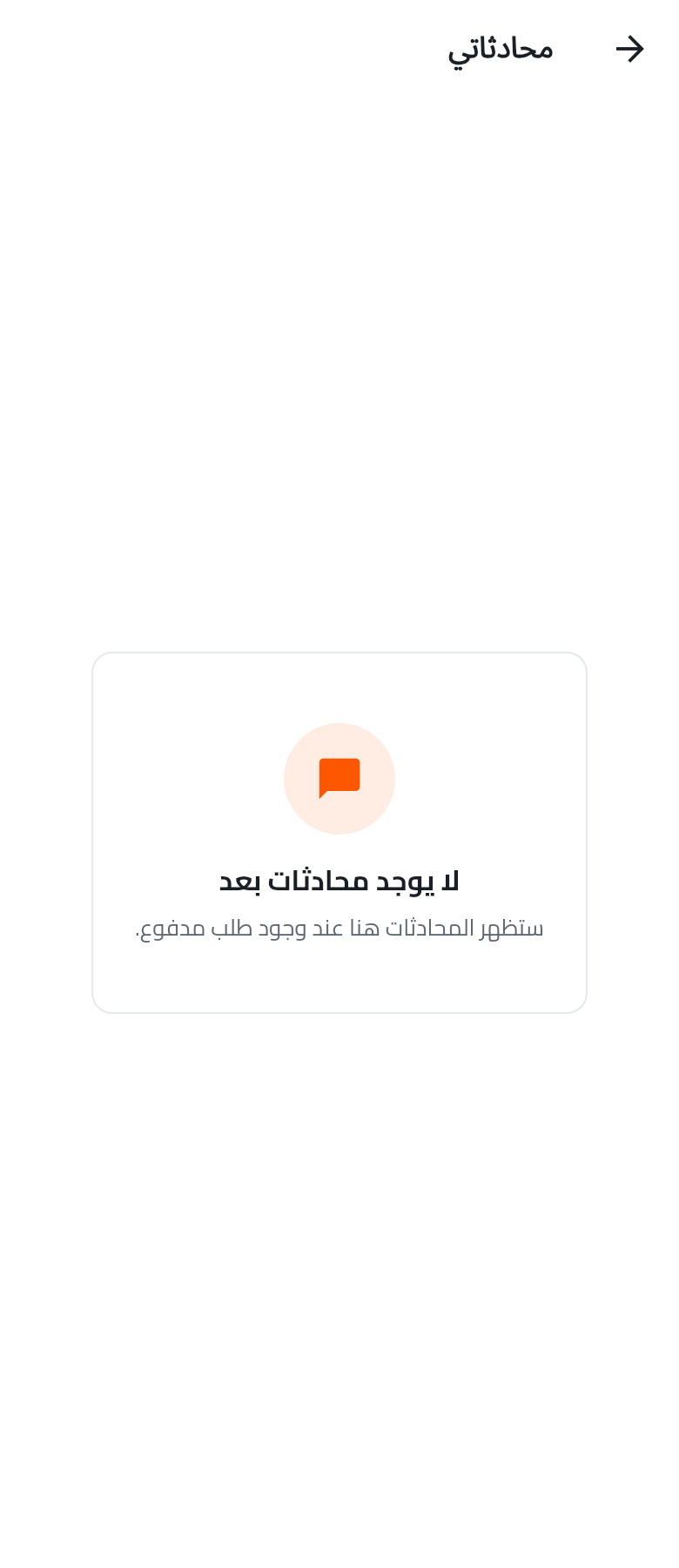
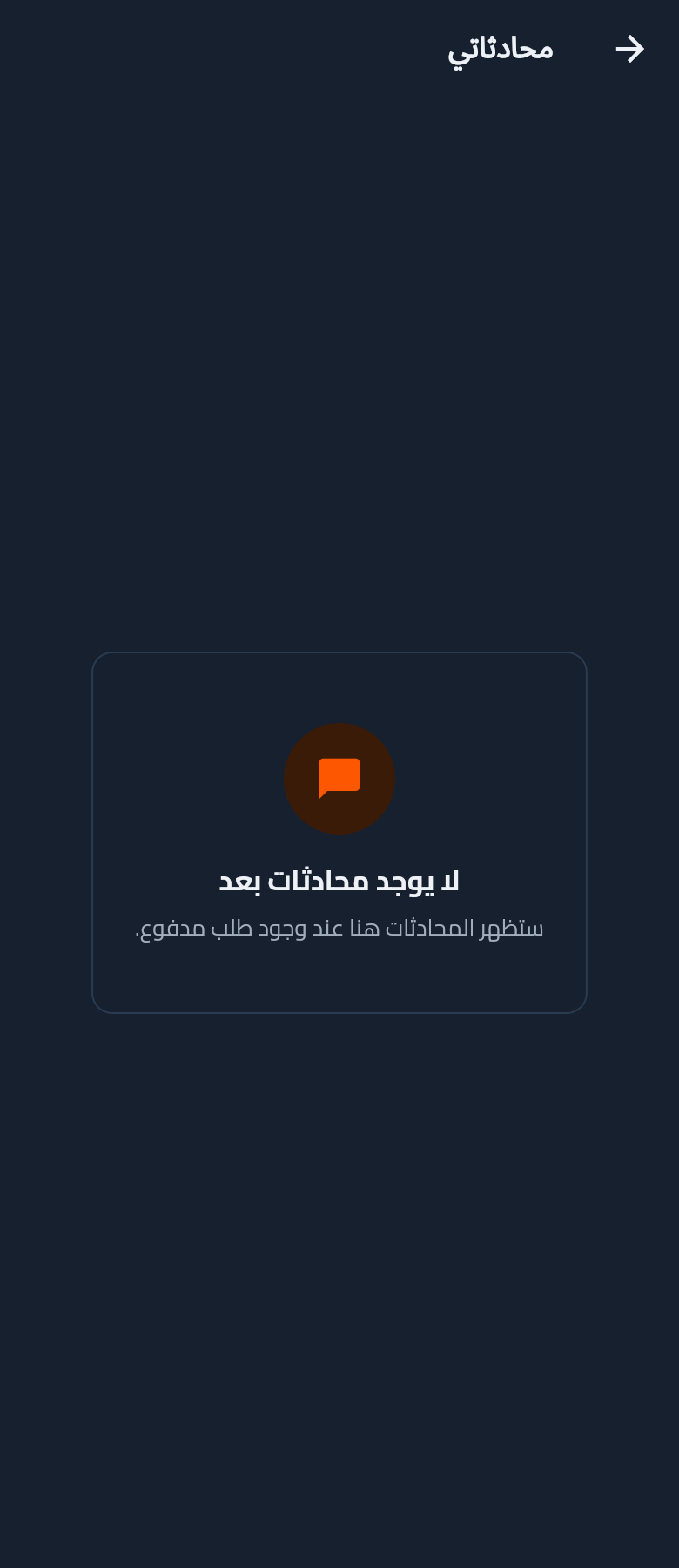
Chats — inbox

Cross-order conversation list (customer ↔ supplier per accepted quote). Empty state until a first request is paid.

Light
Dark
17New

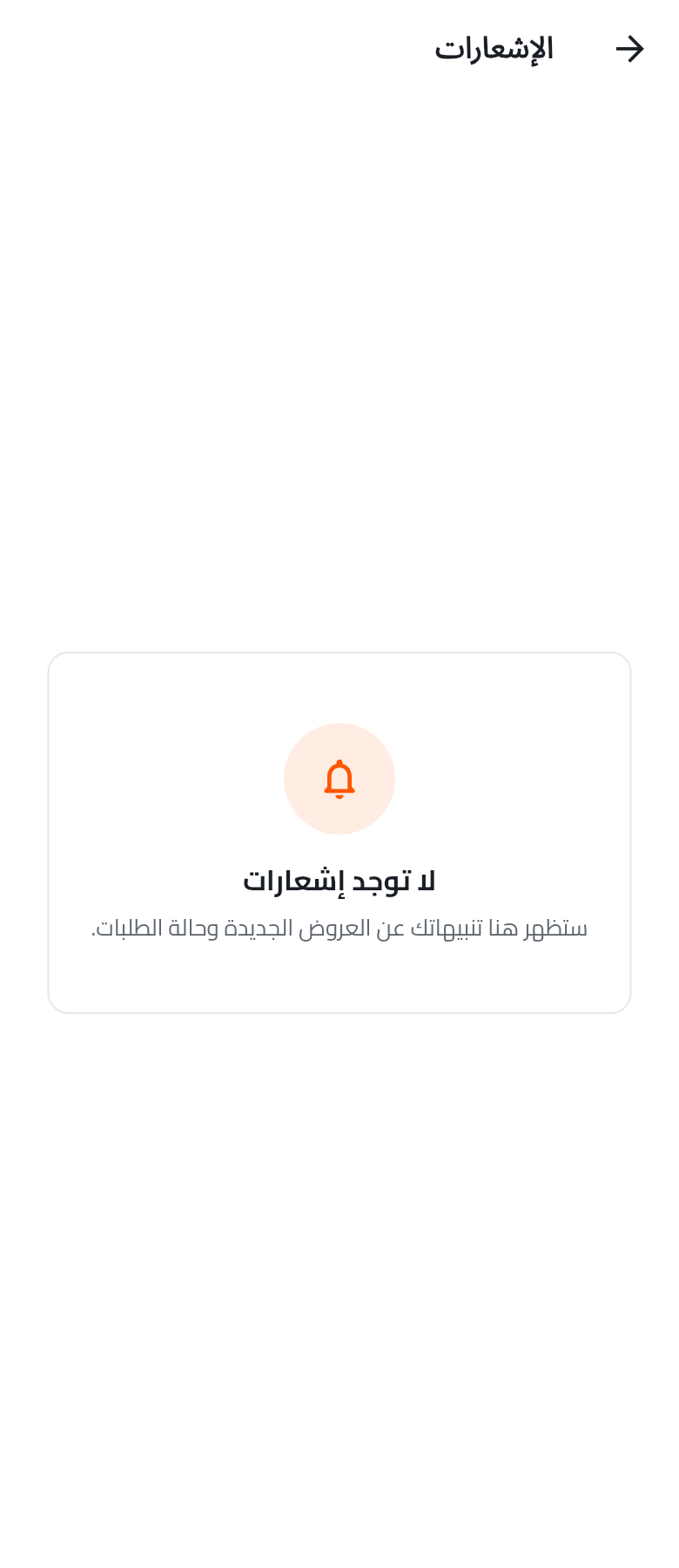
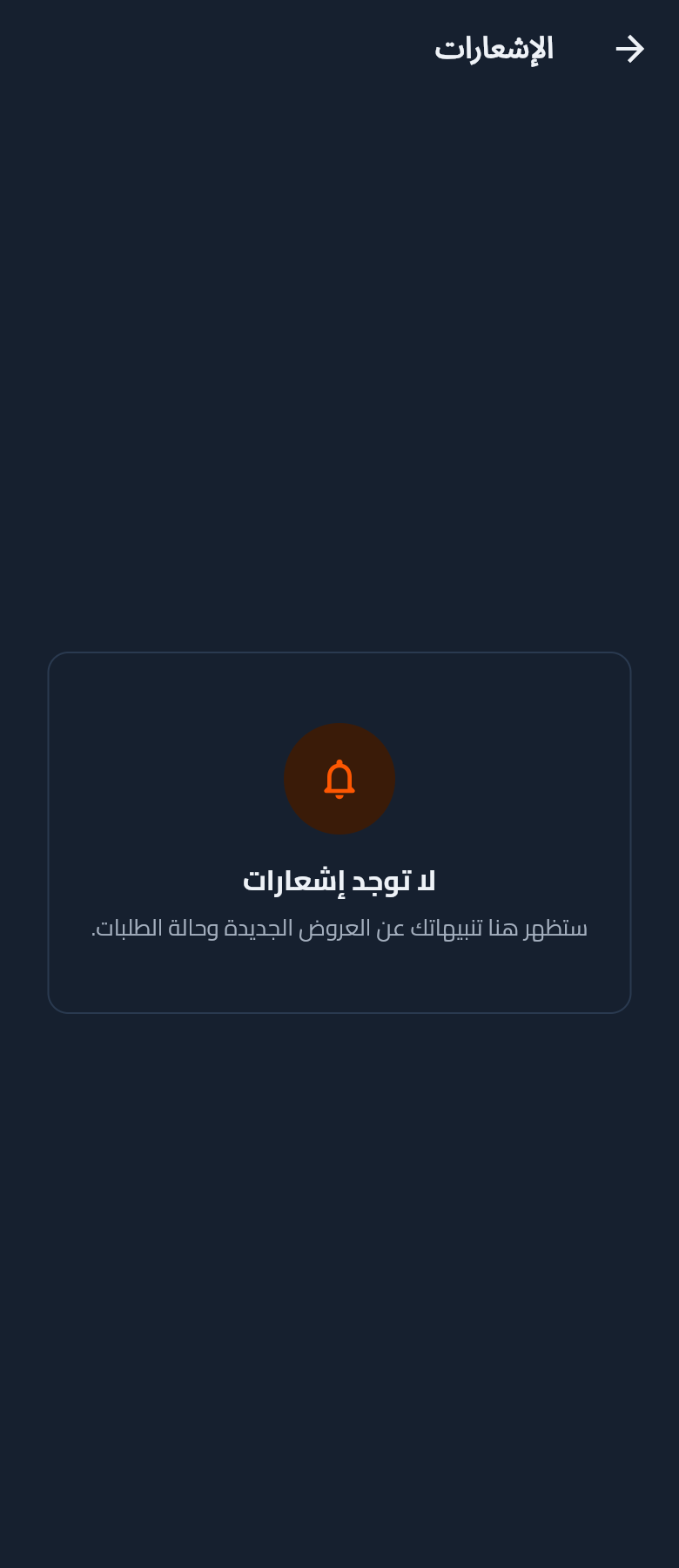
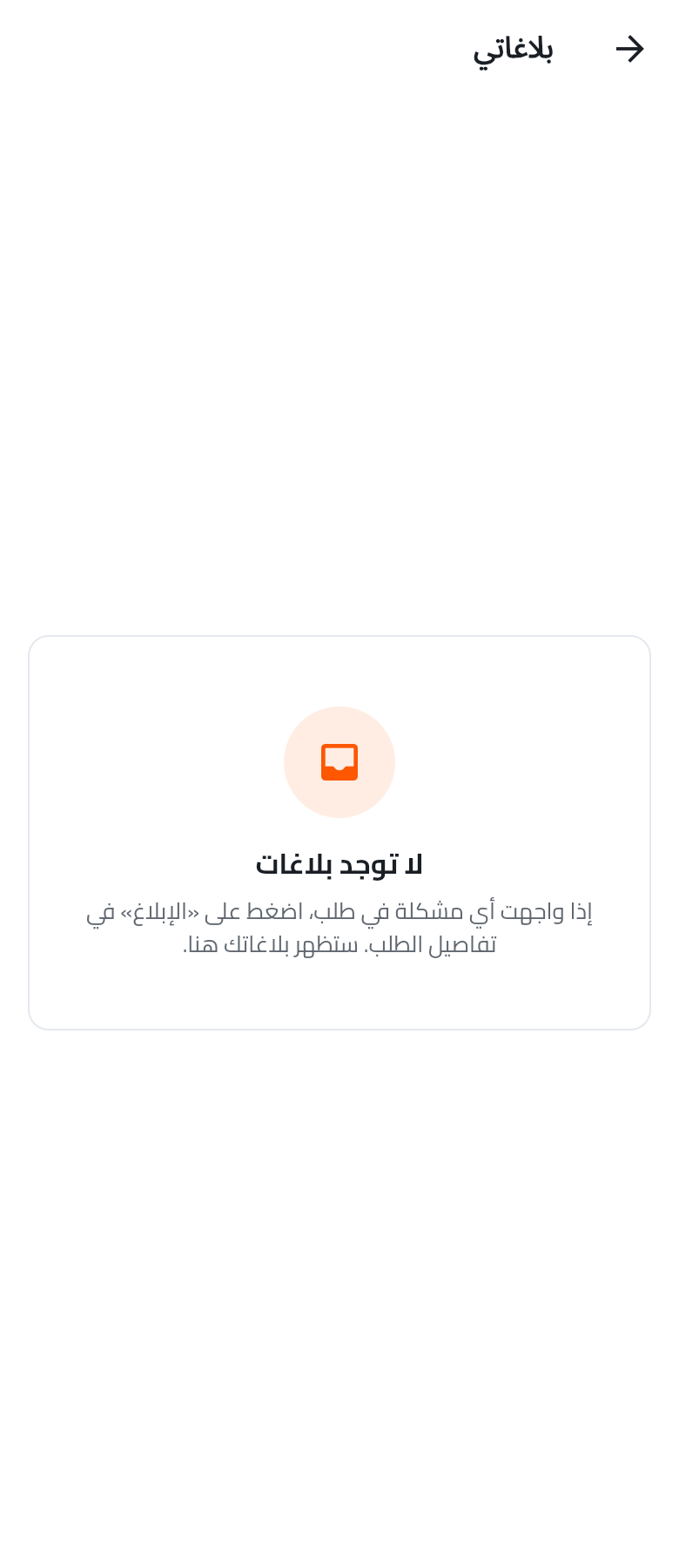
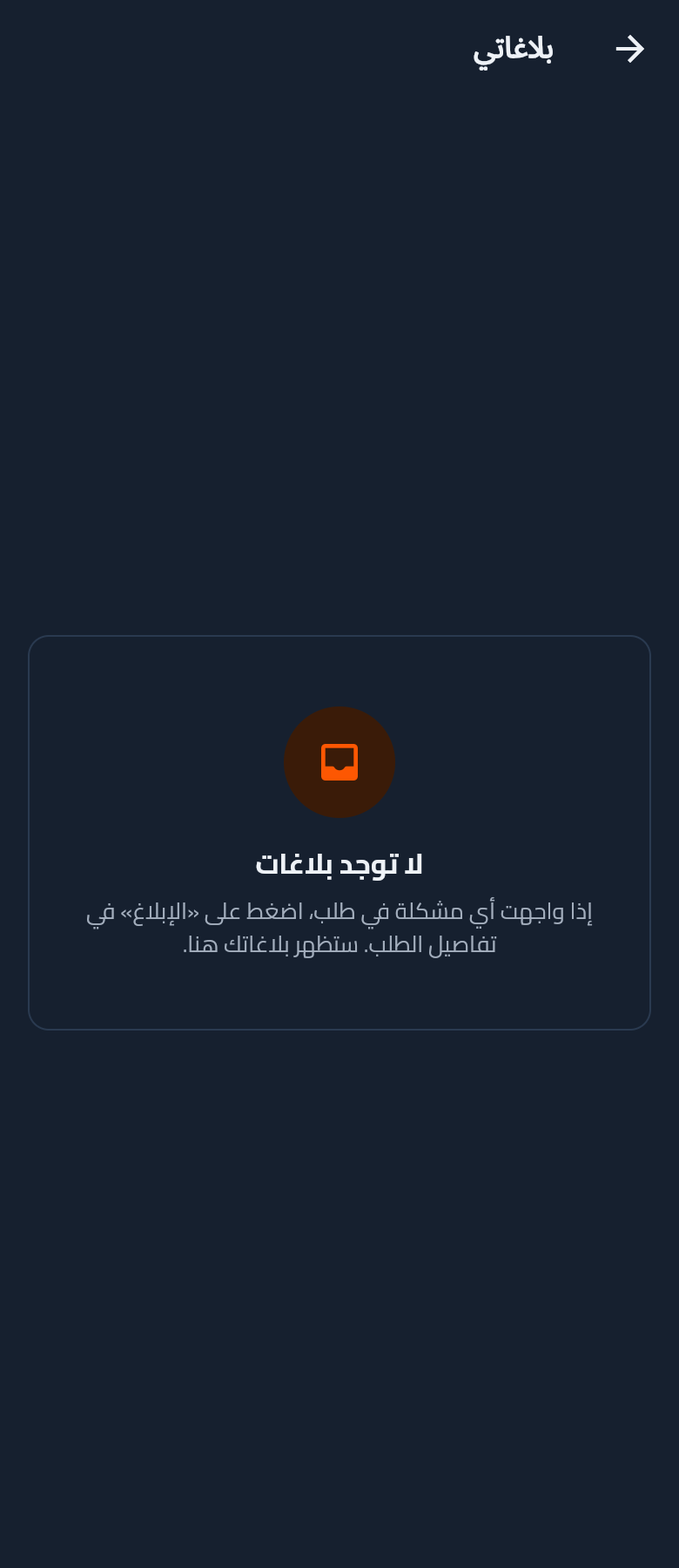
Notifications

Reached from the bell icon in the home top-bar (previously a dead TODO). Permanent empty state until backend push events ship — chrome ready for the list widget.

Light
Dark
6

My Data & Support

The More menu is the hub for the customer's saved data (garage + addresses) and every support / info surface.

18Updated

More menu — with saved data tiles

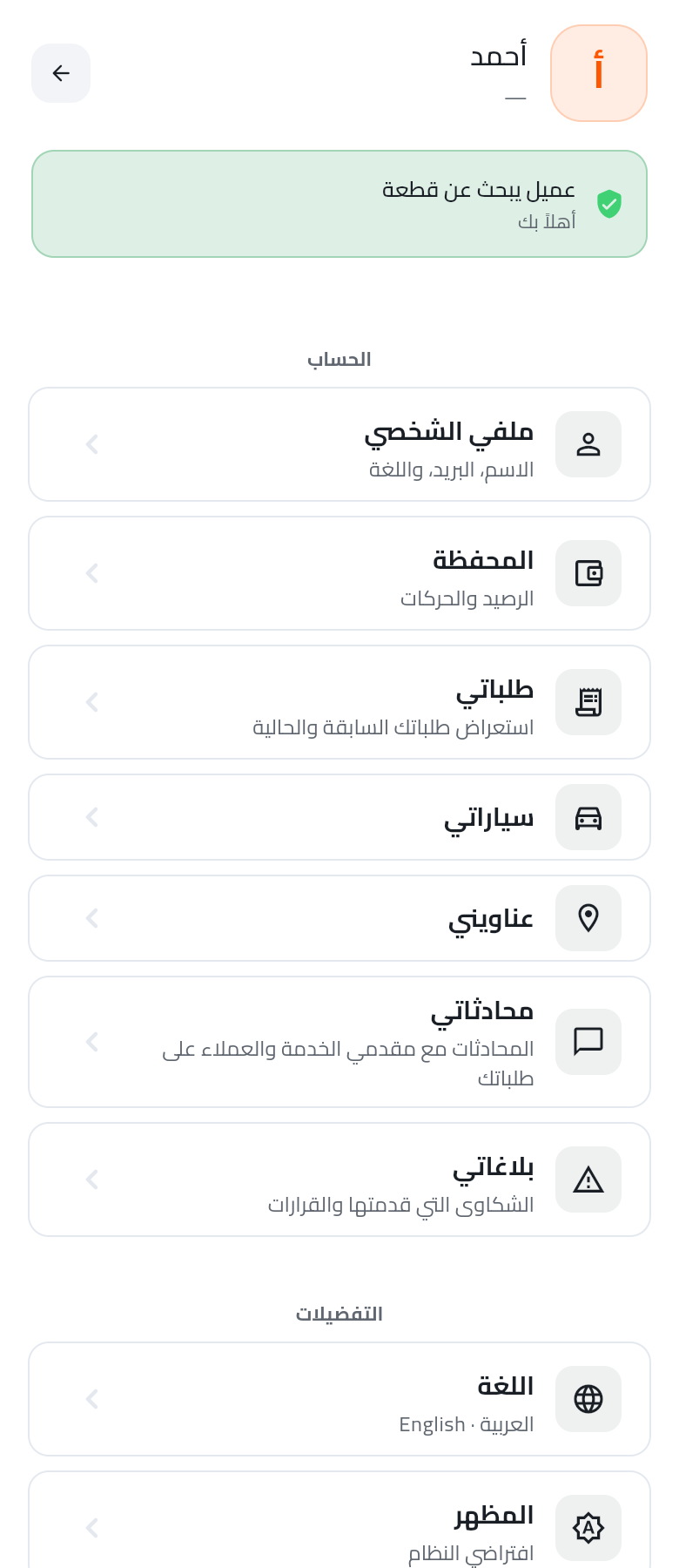
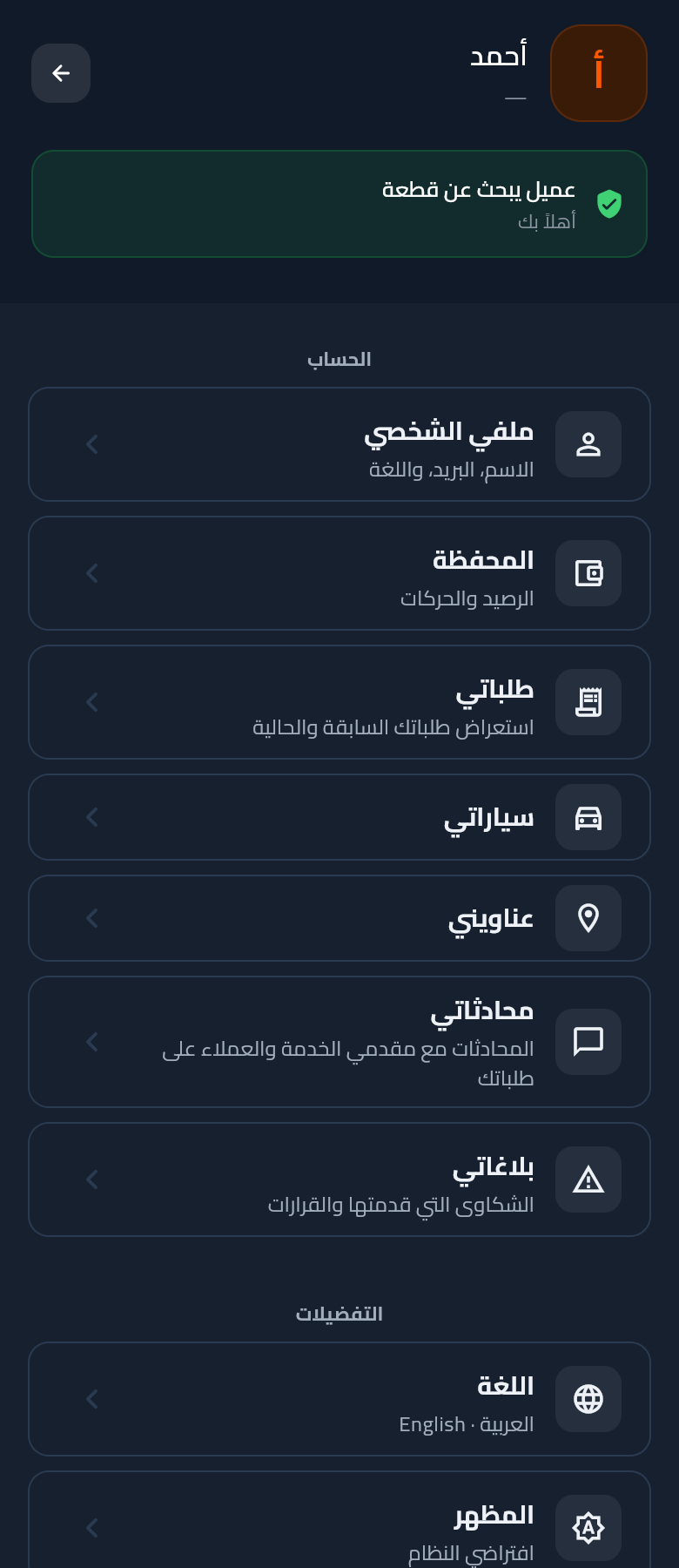
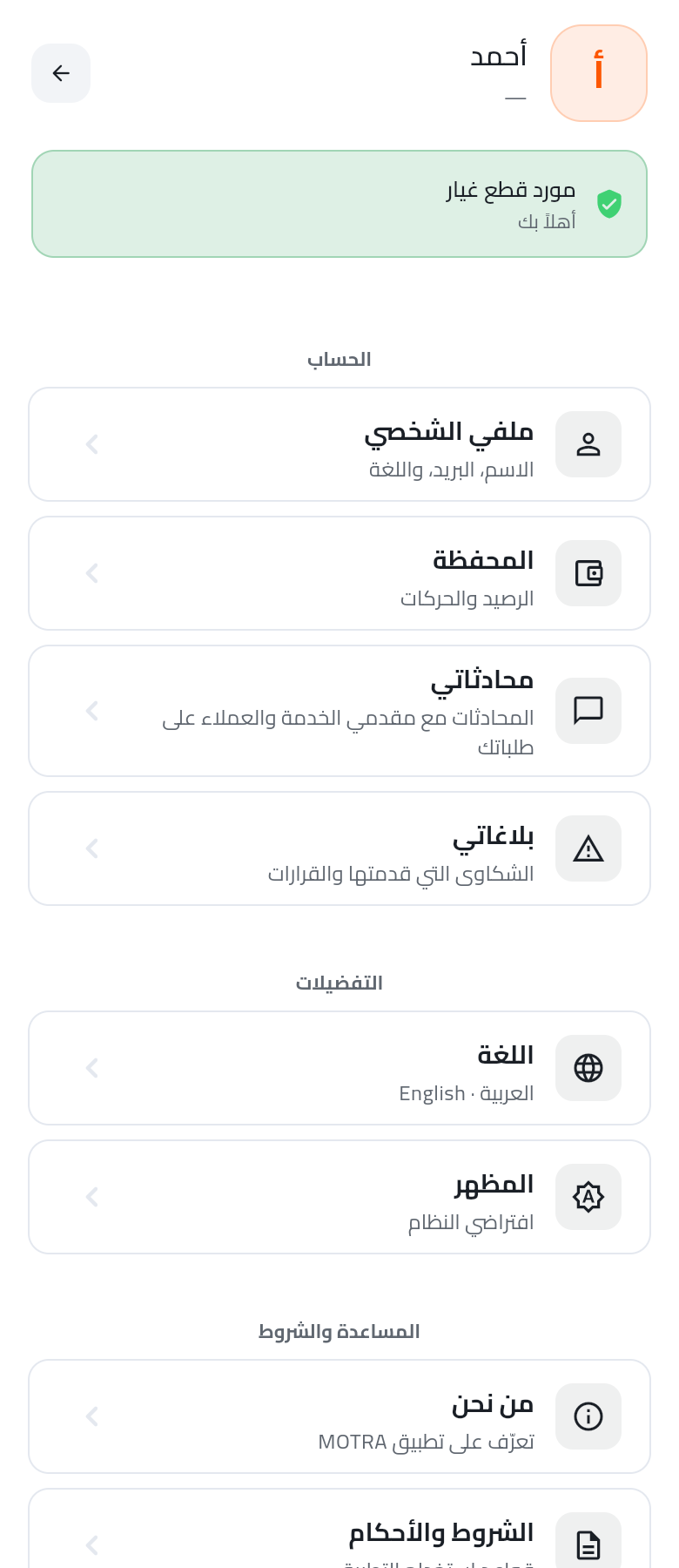
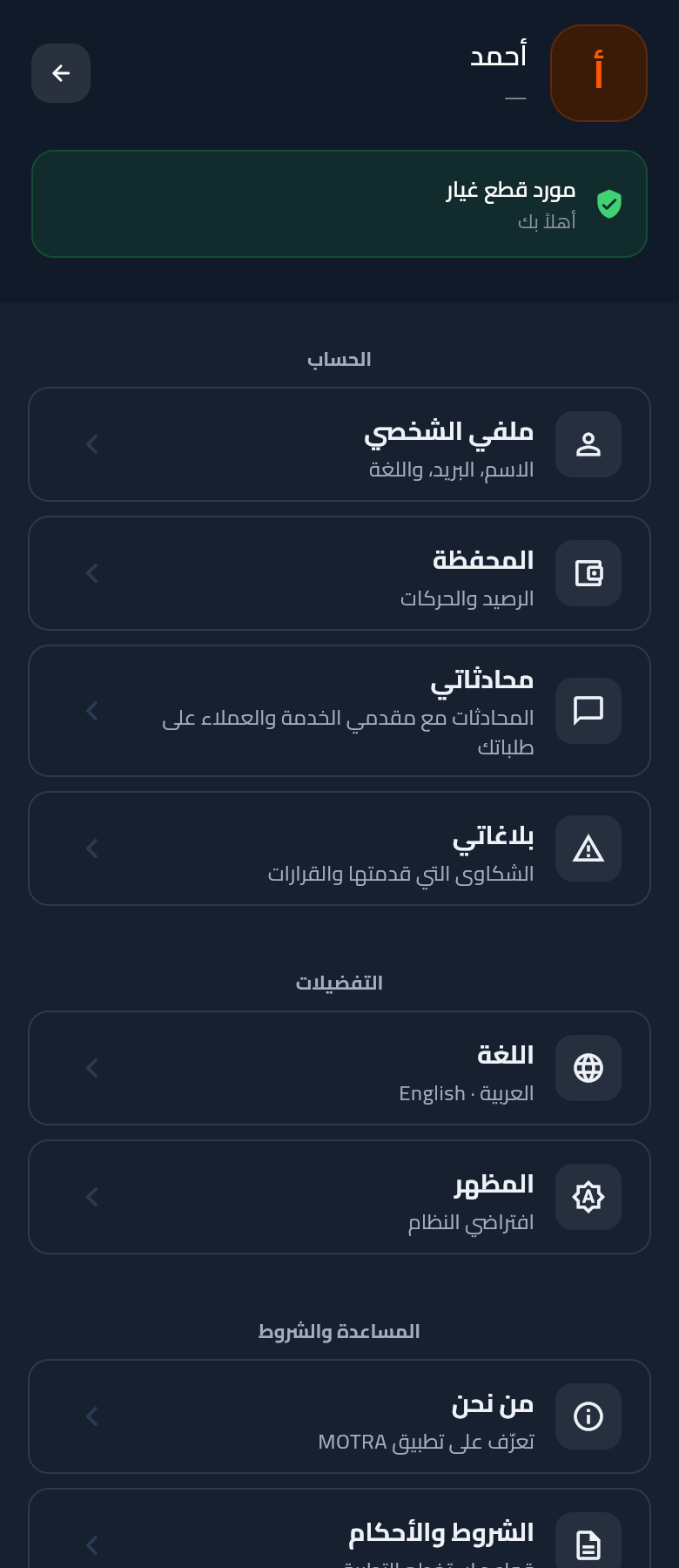
Hero (avatar + name + verified-customer badge) followed by a grouped tile list — Account (Profile / Wallet / My requests / My garage / My addresses / Chats / Complaints), Preferences (Language / Appearance), Help.

Light
Dark

19New

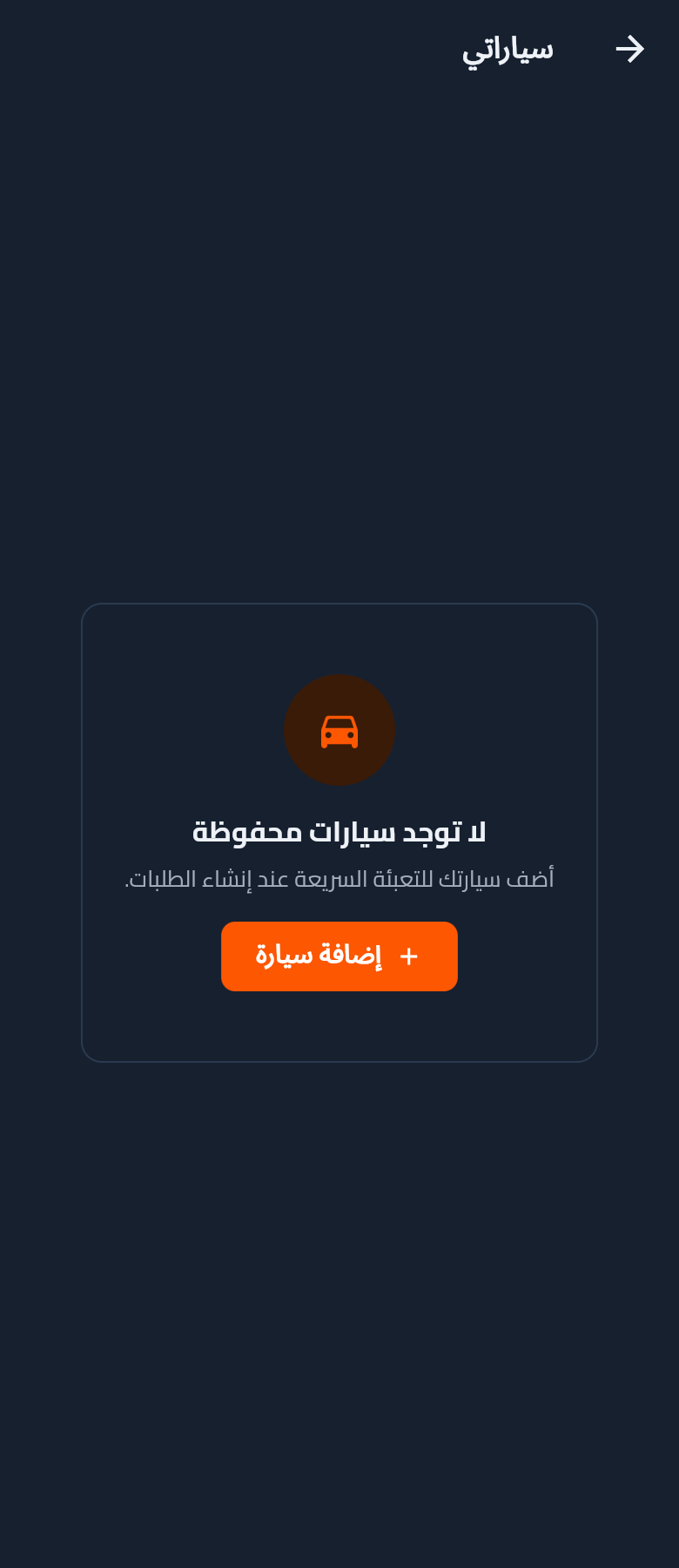
My garage — empty state

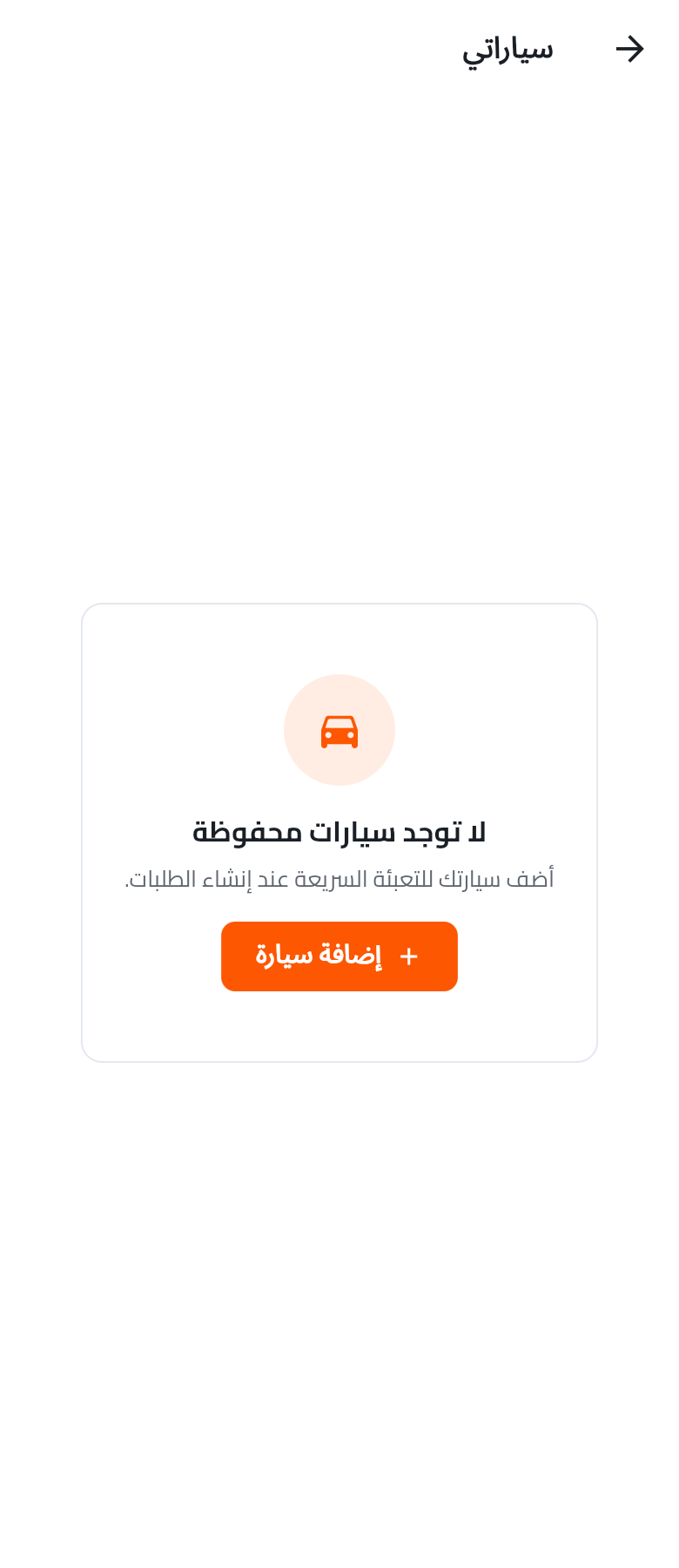
Client-side vehicle store (SharedPreferences motra.garage.v1). Add / edit / delete / set-as-default. First vehicle auto-becomes default. Wires future one-tap fill into create-request.

Light
Dark

20New

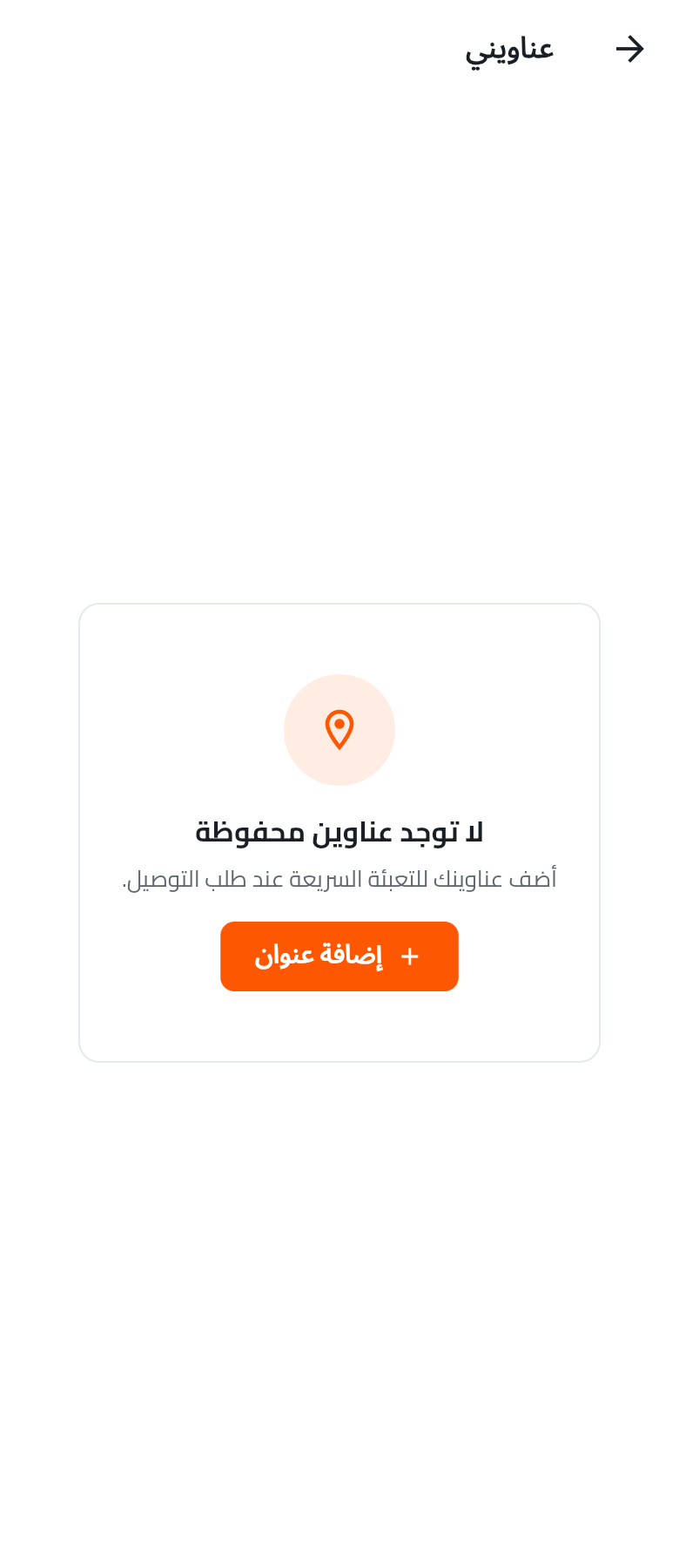
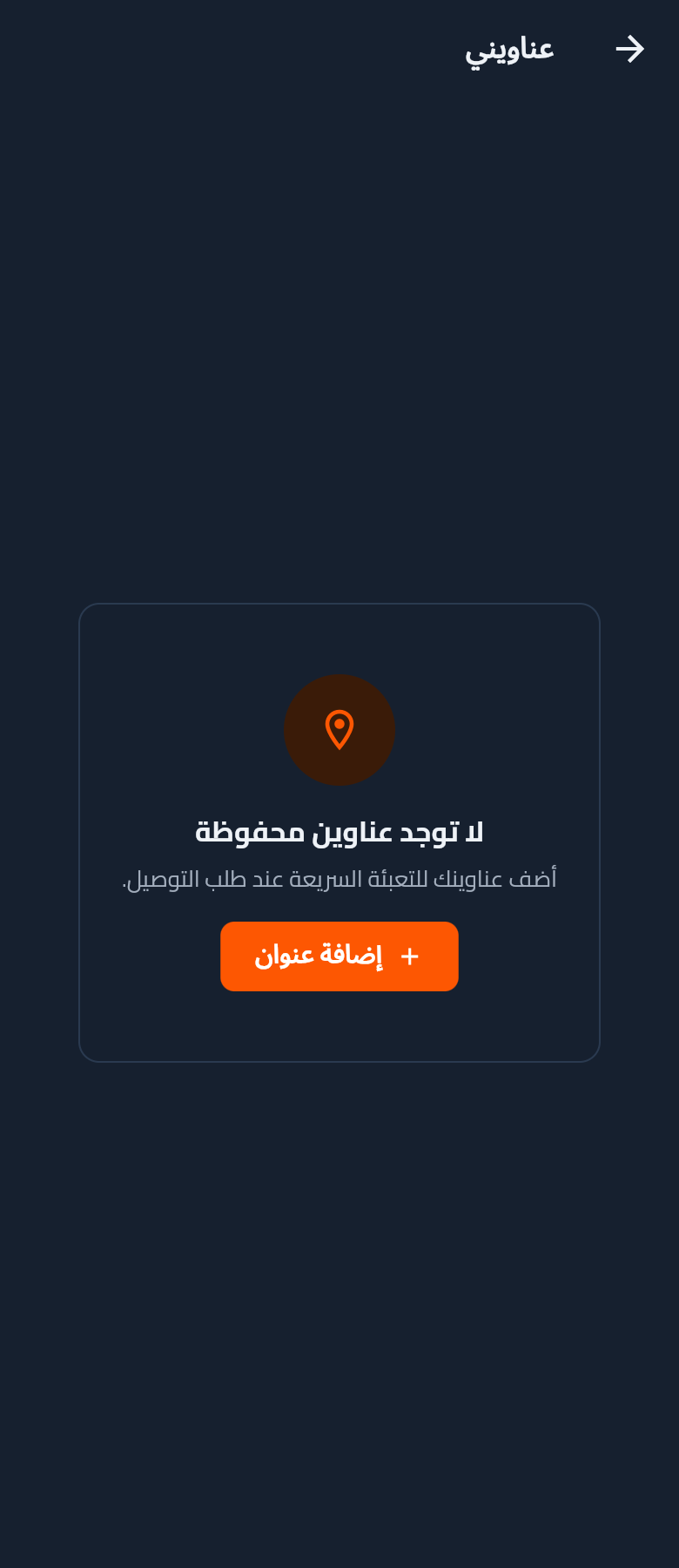
My addresses — empty state

Client-side address store (SharedPreferences motra.addresses.v1). Add / edit / delete / set-as-default. City picker wired to catalogCacheProvider. Enables future one-tap delivery selection.

Light
Dark
21

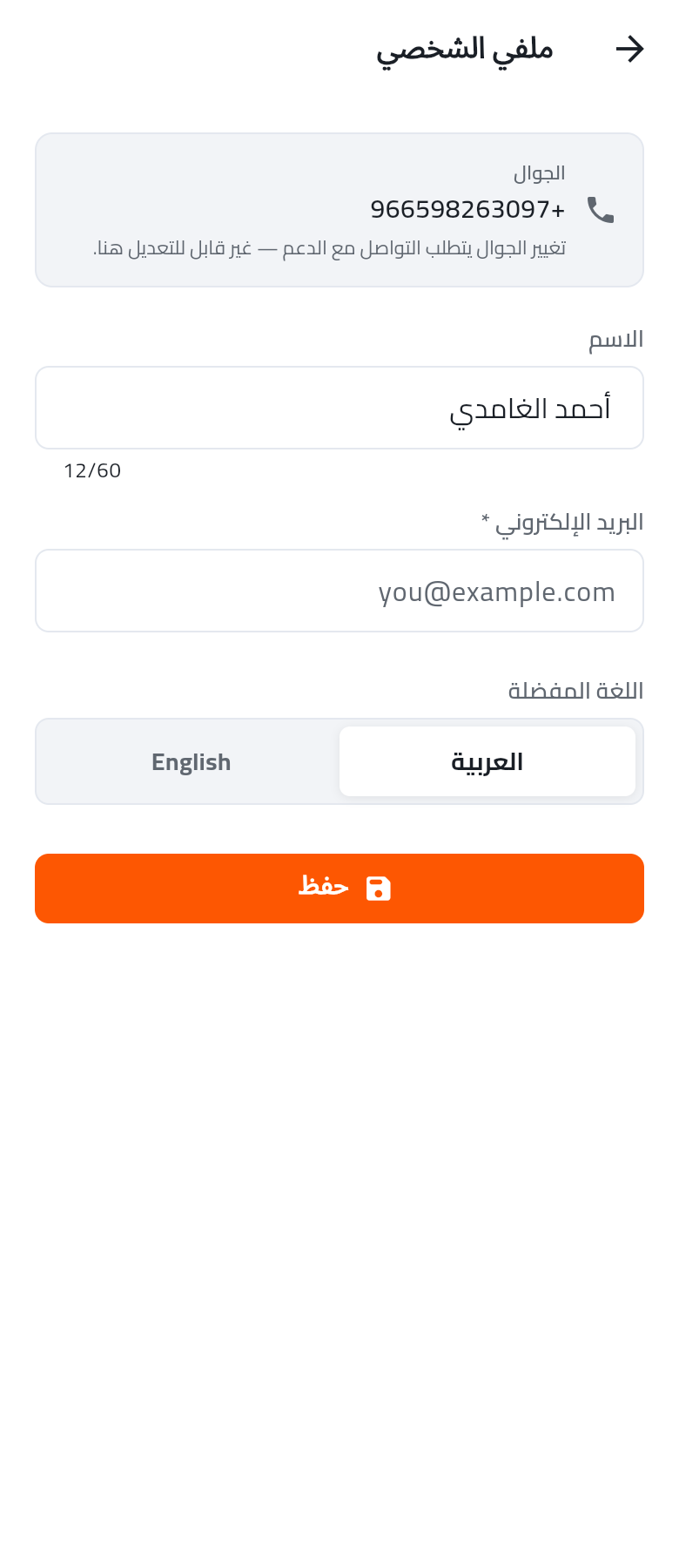
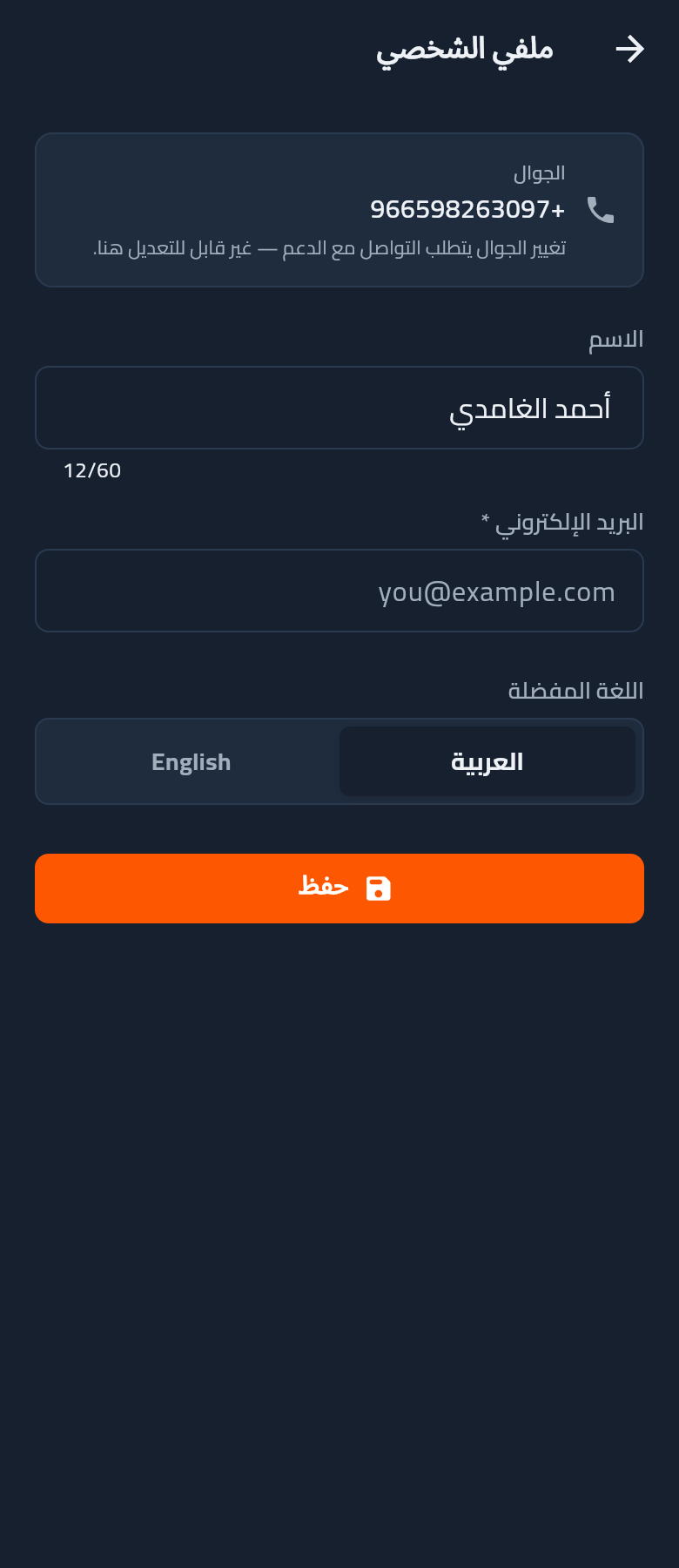
Profile edit

Read-only phone + editable name, email, preferred locale (AR/EN segmented pill). Save button anchored at bottom.

Light
Dark
22

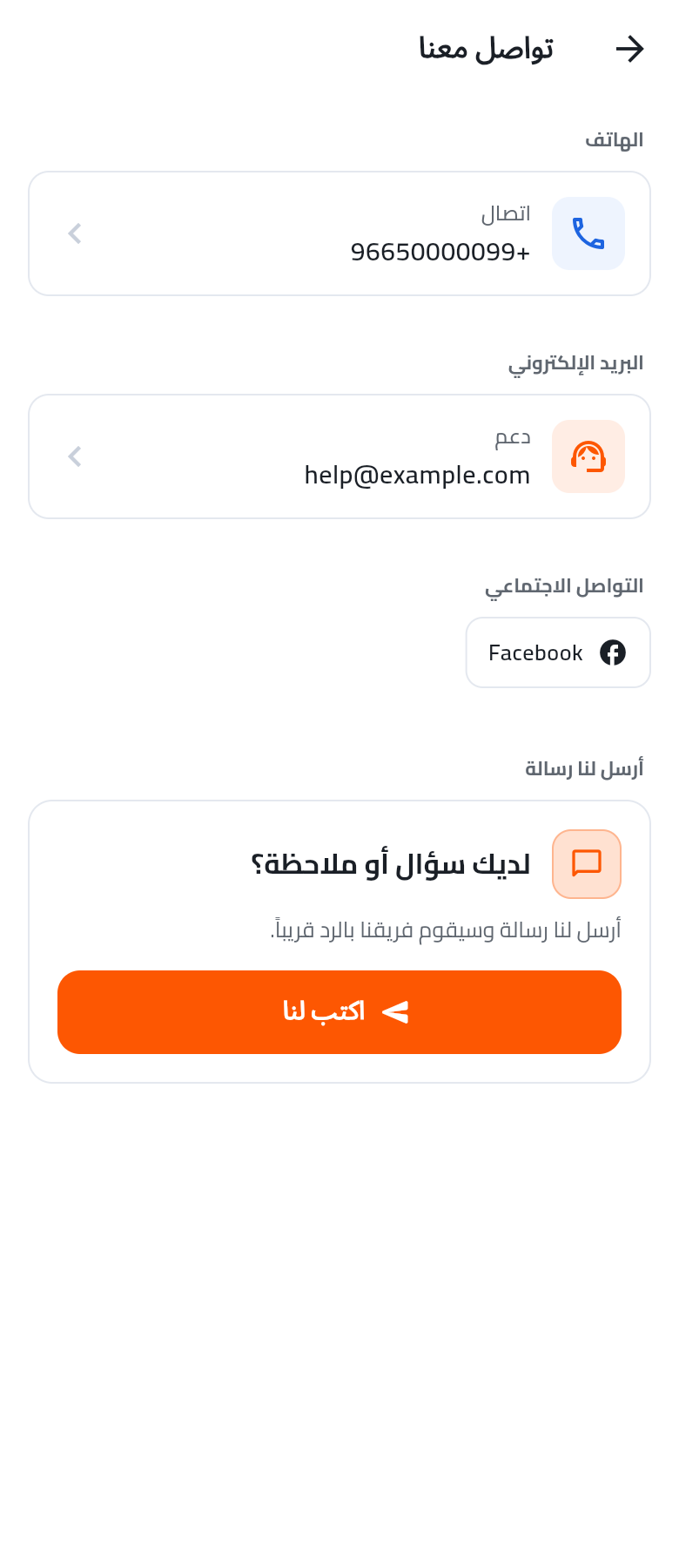
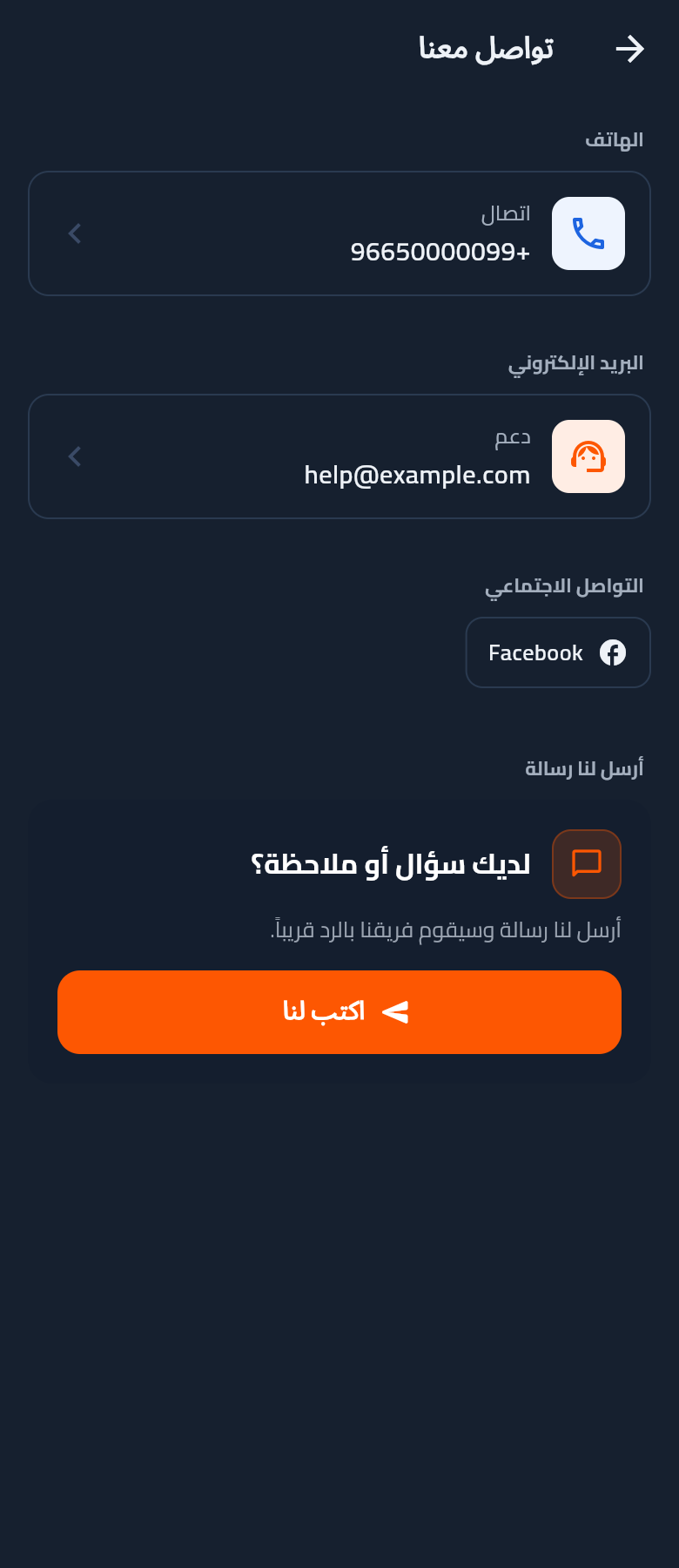
Contact us

Phone, email, social channels + a "Send us a message" CTA that opens a drawer form.

Light
Dark
23

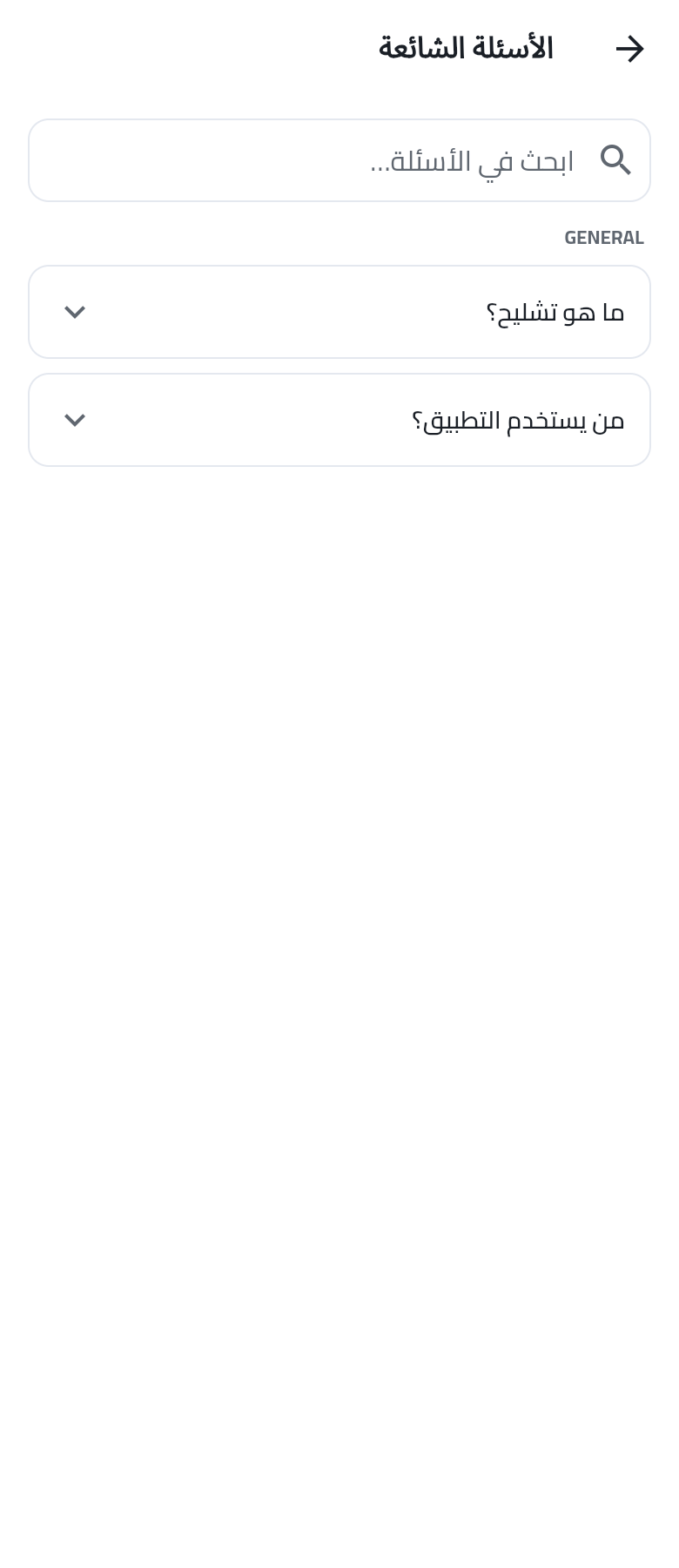
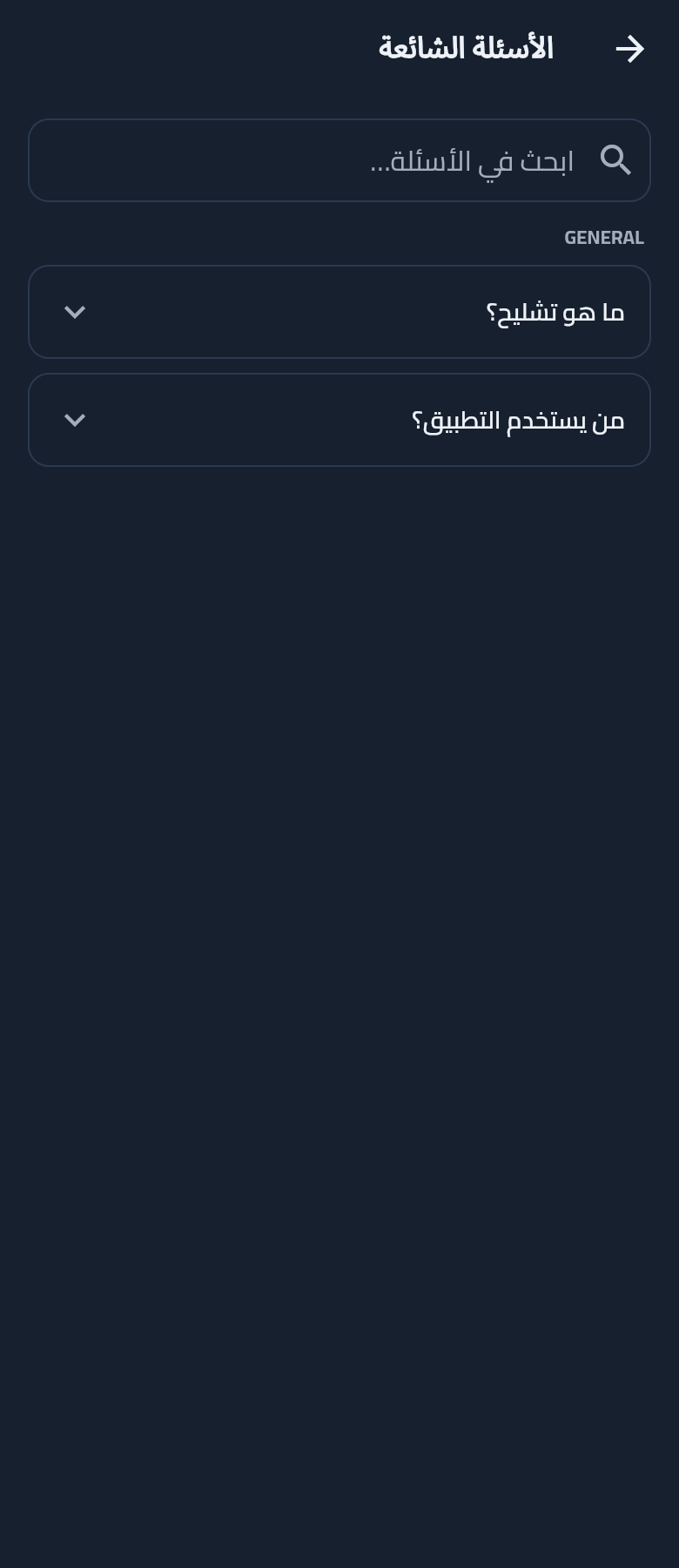
FAQ

Categorised expandable question list with search bar. Populated from the admin CMS.

Light
Dark
24

My complaints

Personal complaints history. Empty state guides the user to file from within an order.

Light
Dark
25

About — content page

Static content page (About / Terms / Privacy) shown as Markdown. Falls back to a friendly "coming soon" card when the admin hasn't published a version yet.

Light
Dark
7

Provider — Daily use

Once approved, providers work through the inbox of matching requests, quote them, manage orders, and cash out.

26

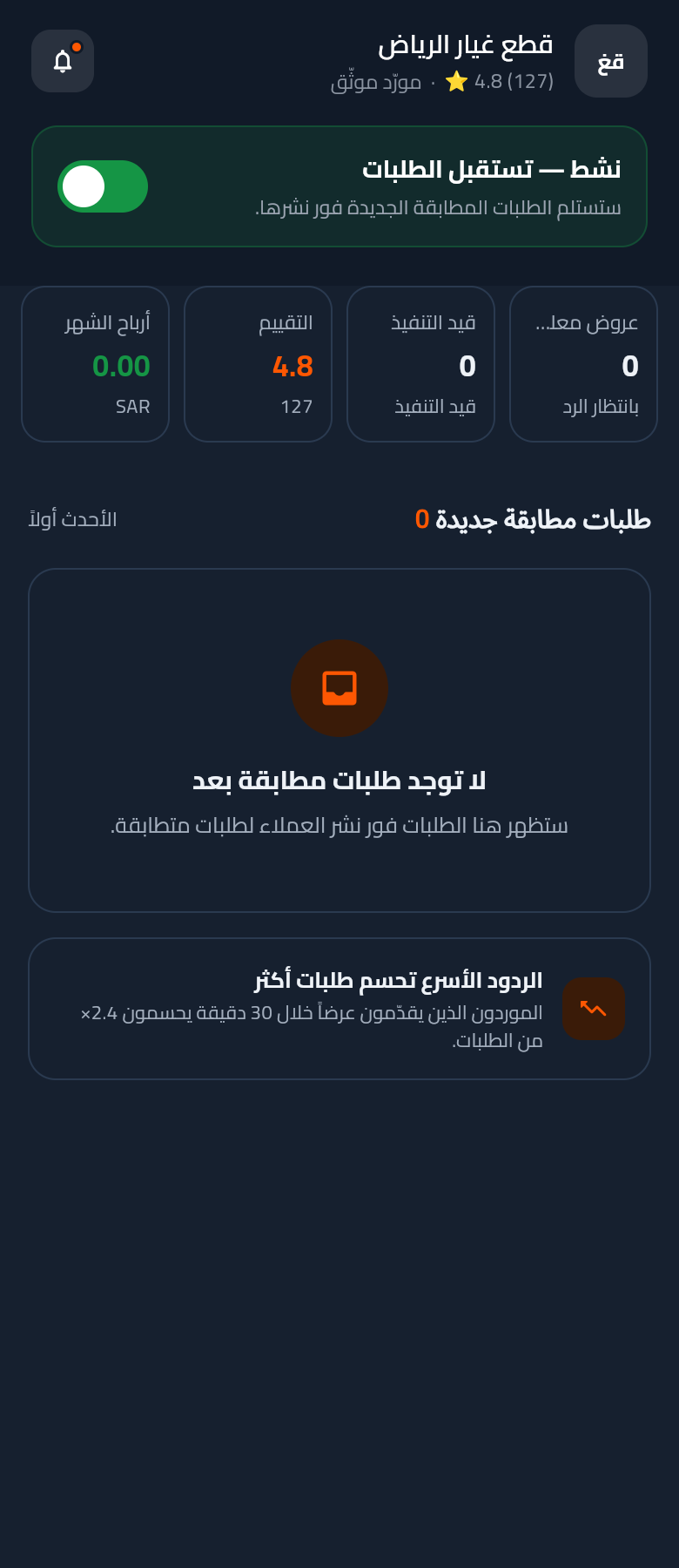
Provider home

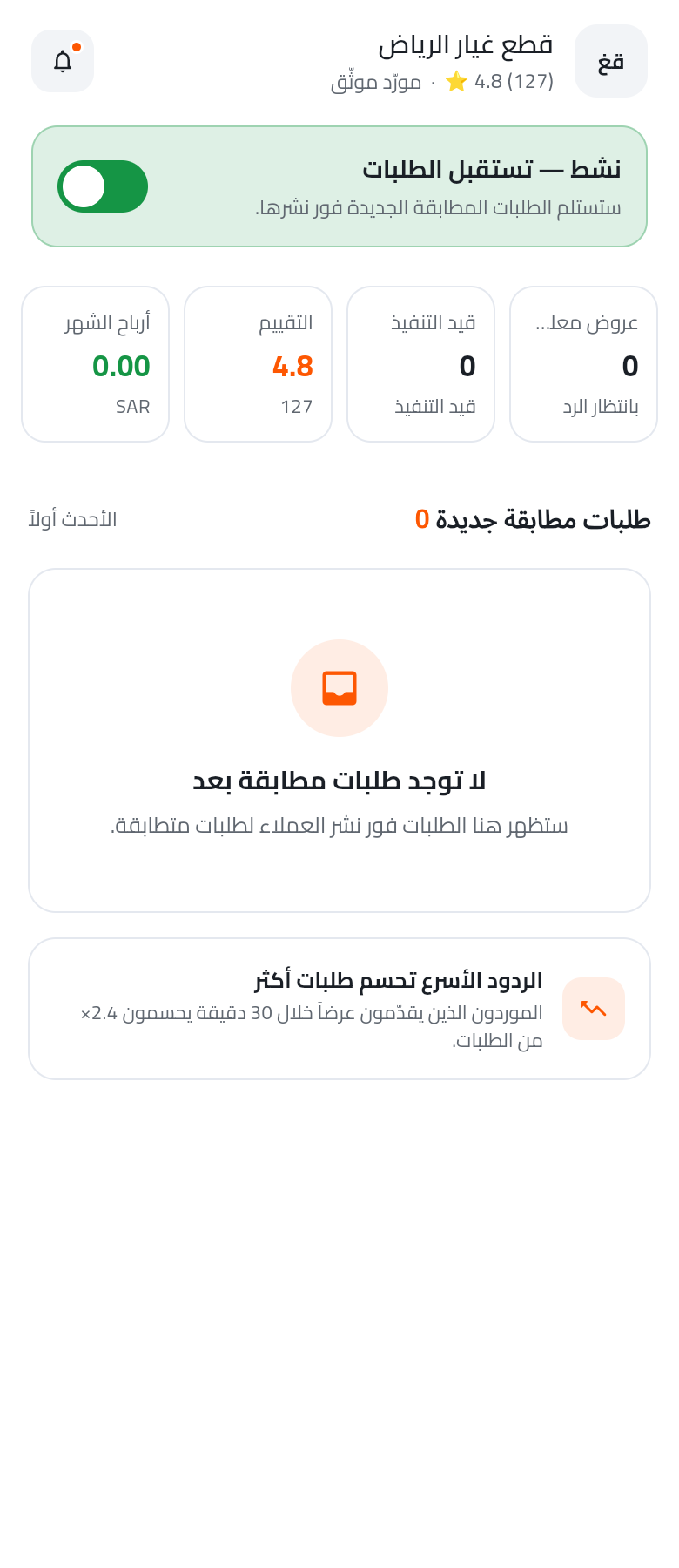
Business header, availability toggle, 4-stat row (Pending / In progress / Rating / Earnings) — fits 390w without clipping — and the matching-requests inbox.

Light
Dark
27

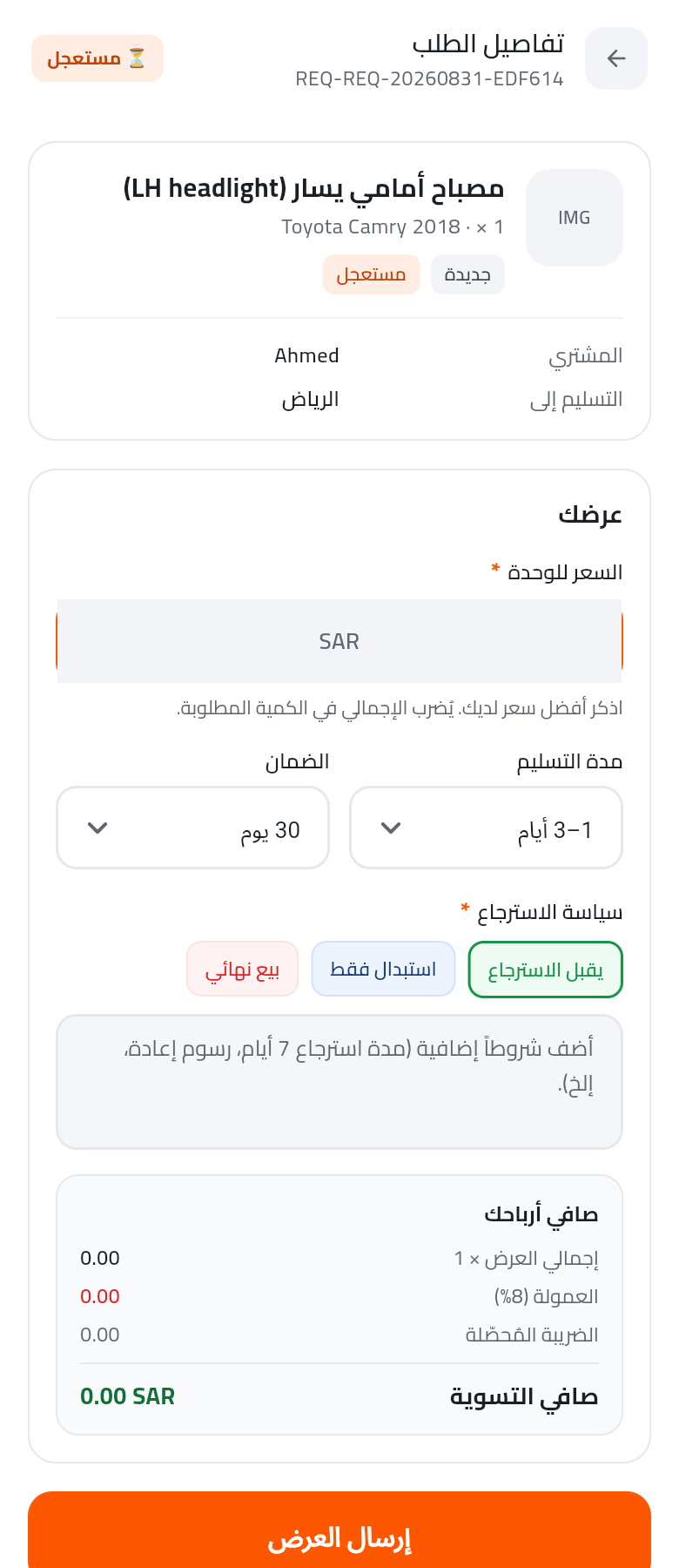
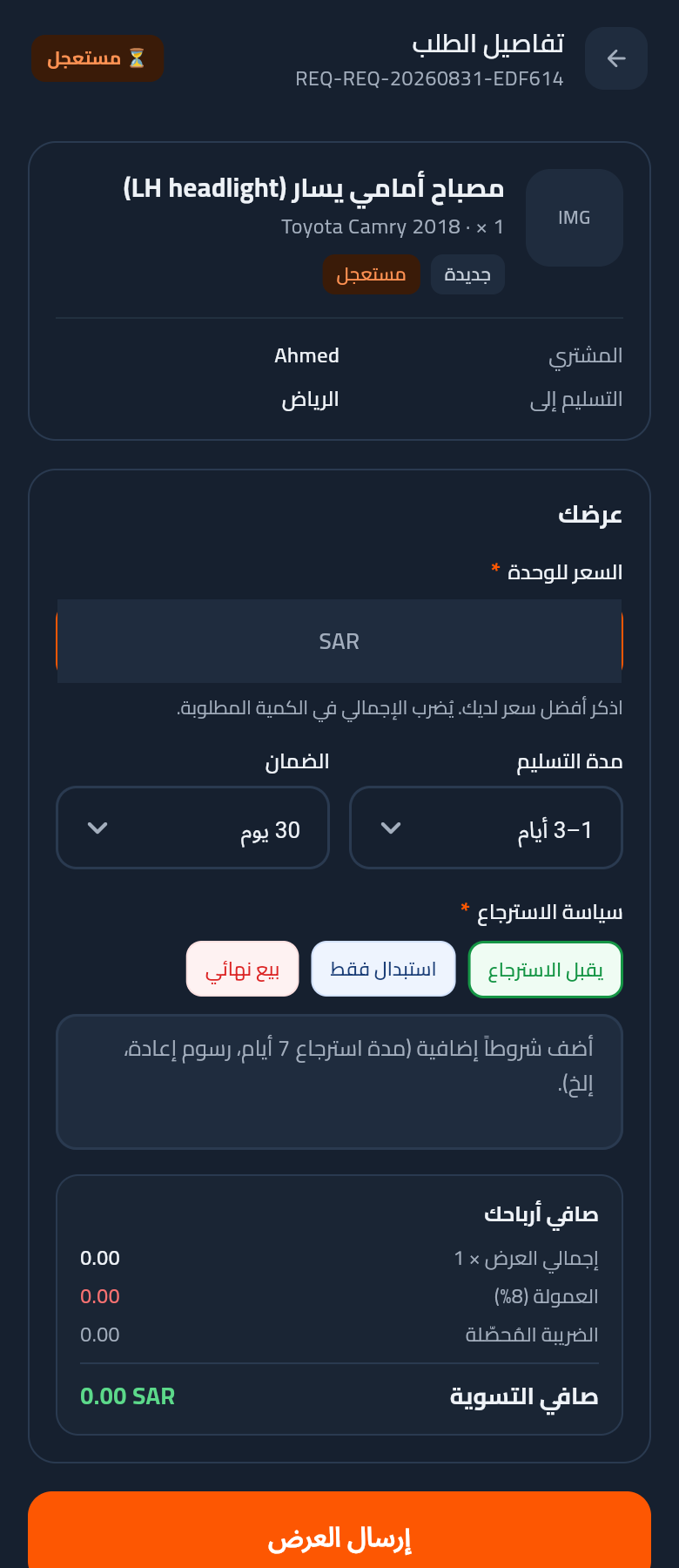
Provider request detail — submit quote

Provider sees the customer's request and fills the quote form: unit price, delivery timeframe, warranty, return policy chips, conditions. Live "your net profit" breakdown at bottom.

Light
Dark
28

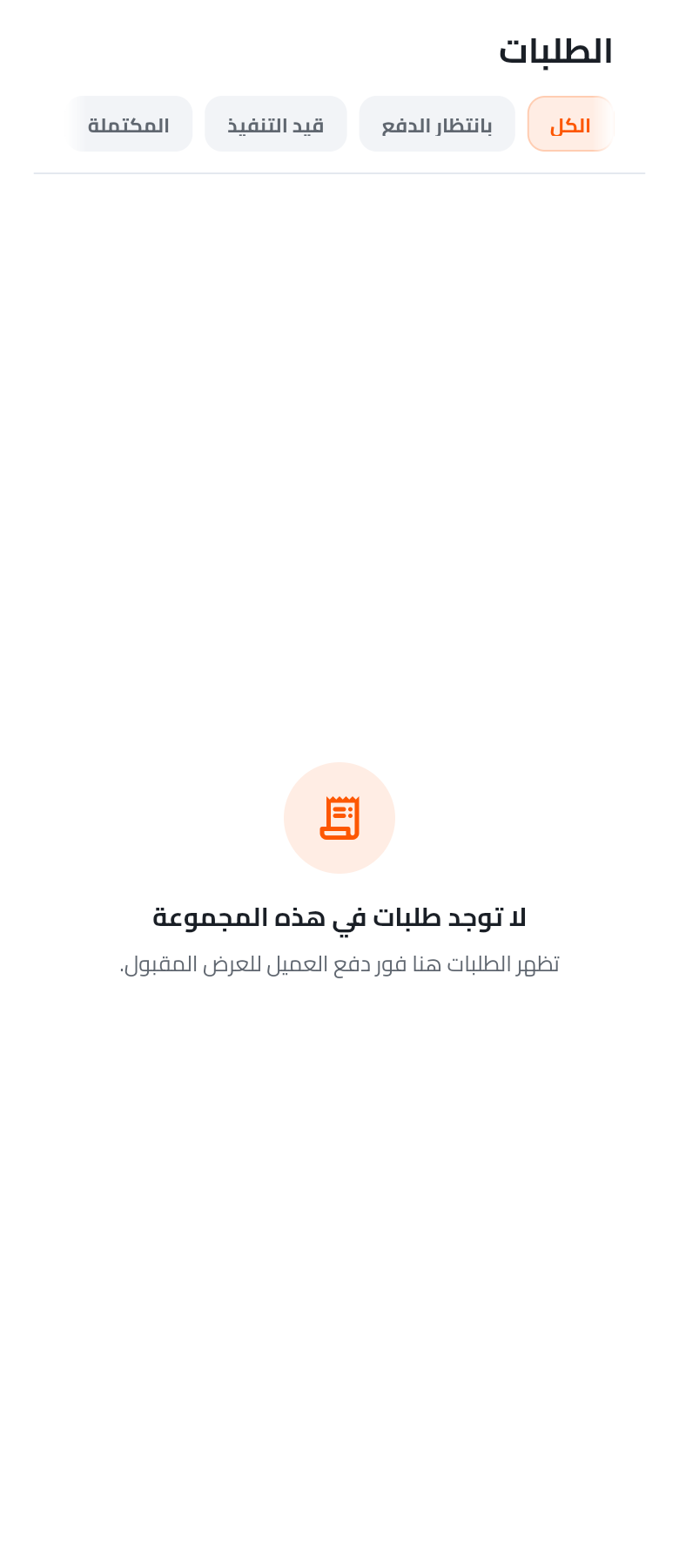
Provider orders

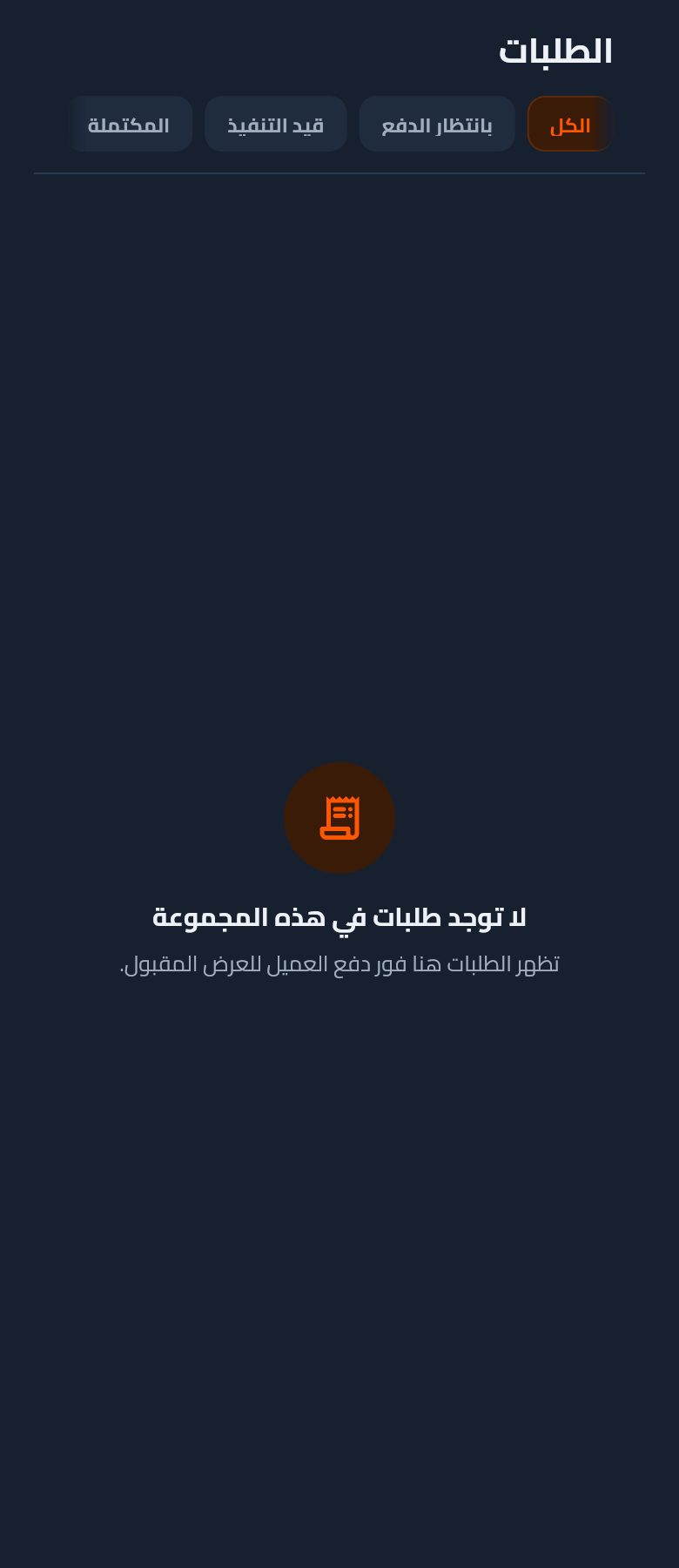
Pipeline of accepted orders with 4-bucket filter (All / Awaiting / In progress / Completed).

Light
Dark
29

Provider profile

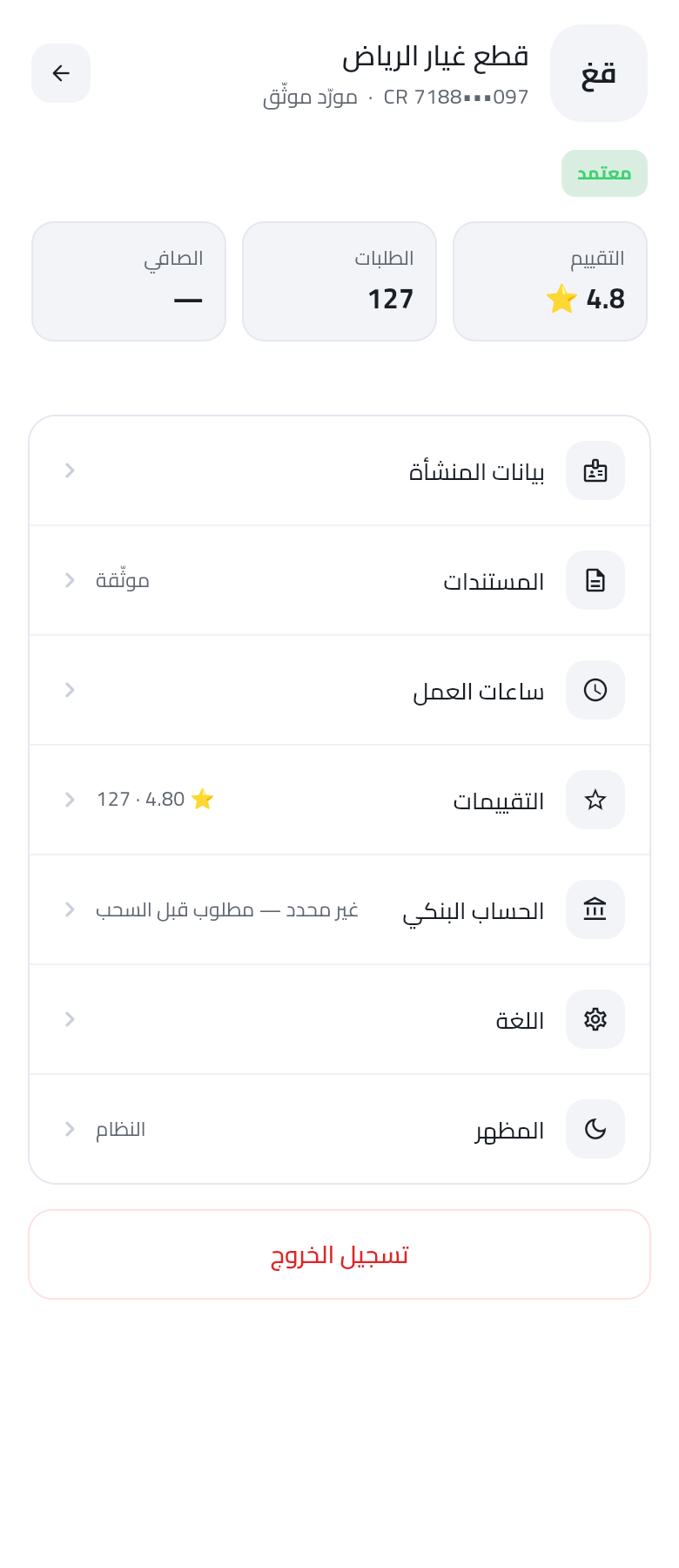
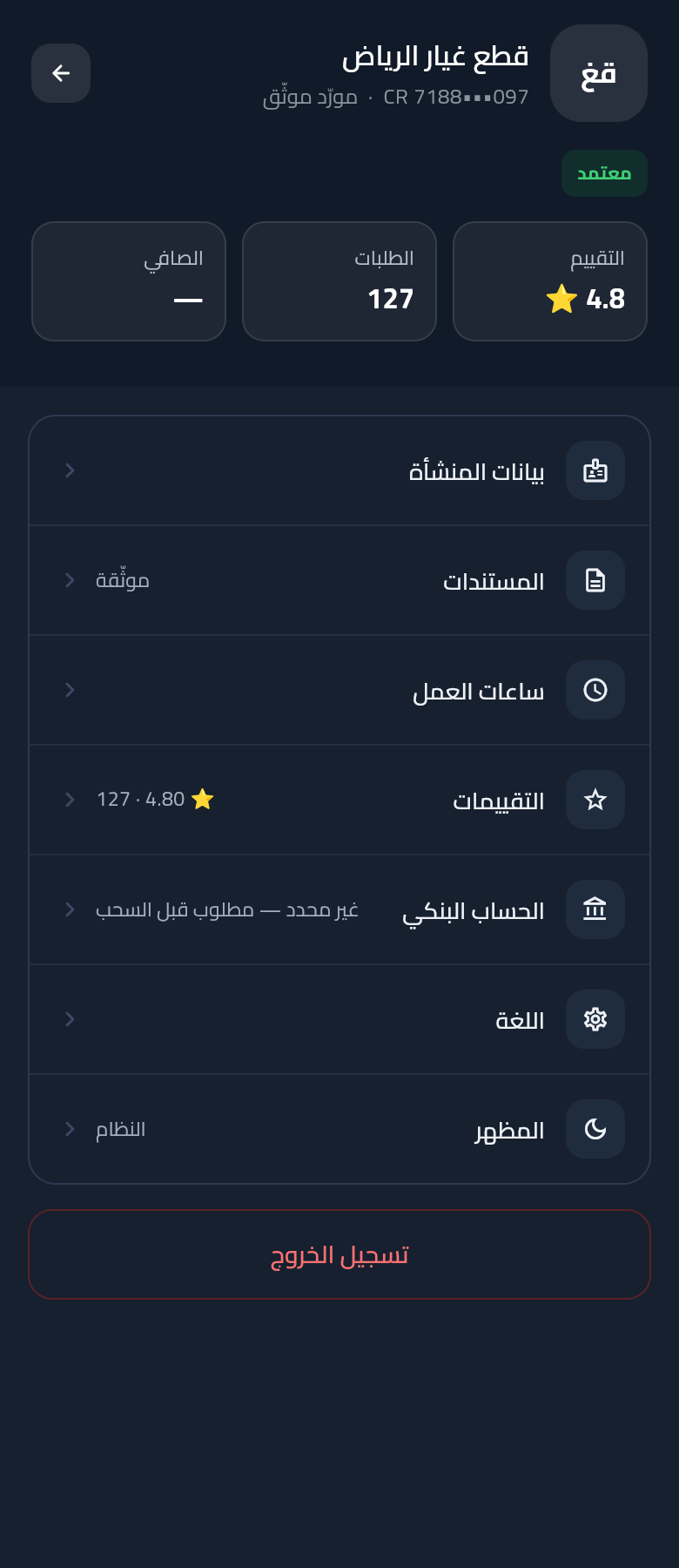
Business identity band with stats (Rating / Orders / Net) + editable settings tile group + tinted logout.

Light
Dark
30

Cashout request

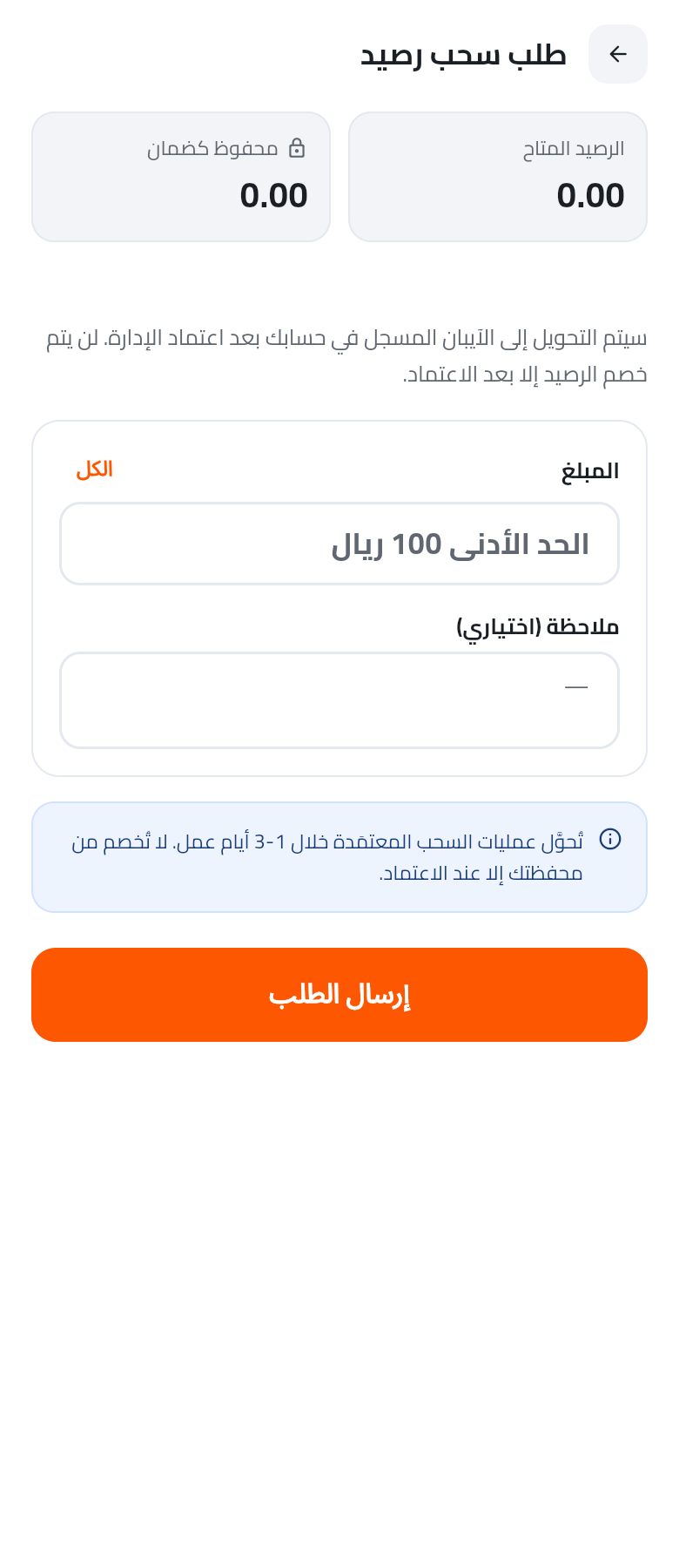
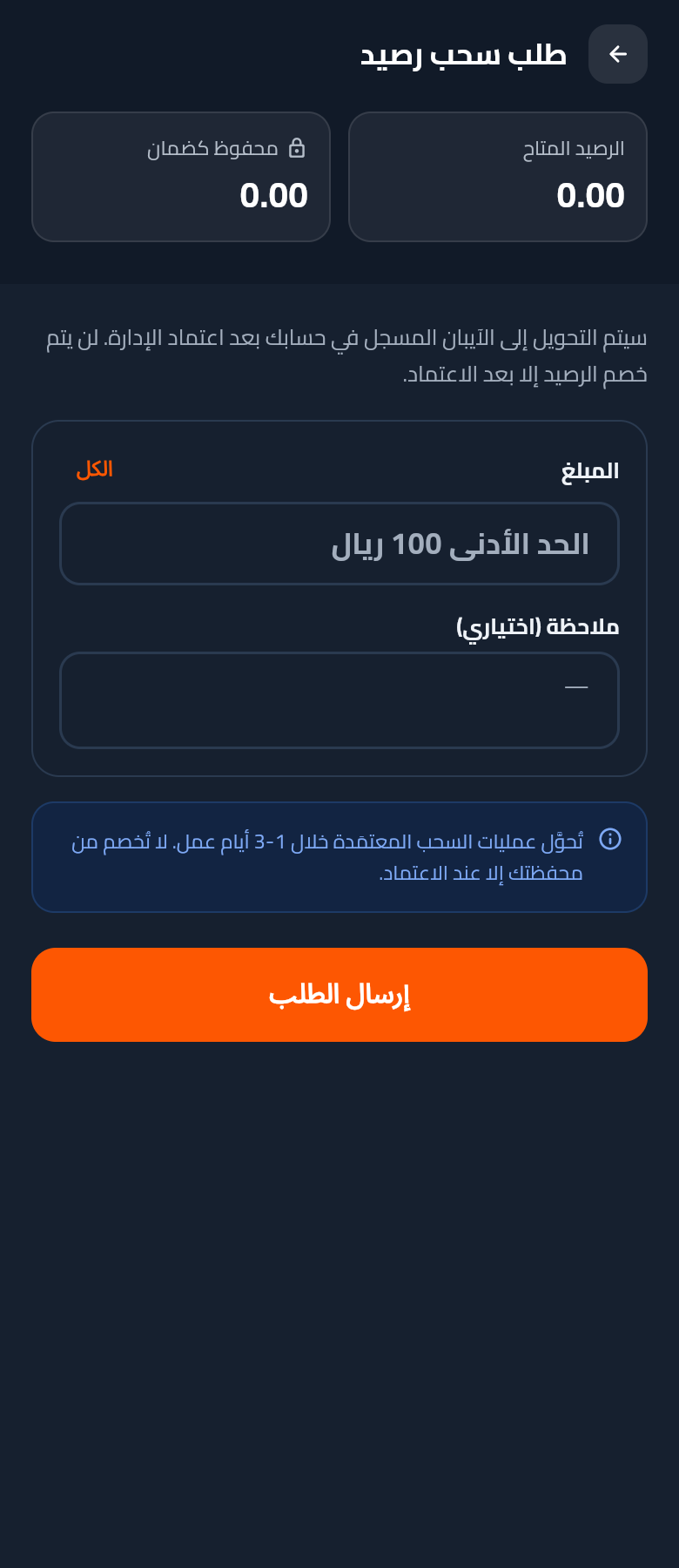
Provider requests a payout to their verified IBAN. Available balance + escrow-held preview at top, amount + optional note in the form.

Light
Dark
31

Provider wallet

Same wallet component as customer — shows top-up + cashout side-by-side, with a minimum-balance hint for the cashout CTA.

Light
Dark
32

Provider more menu

Same shared More component as customer — content adapts to the principal type (Availability tile visible for providers).

Light
Dark